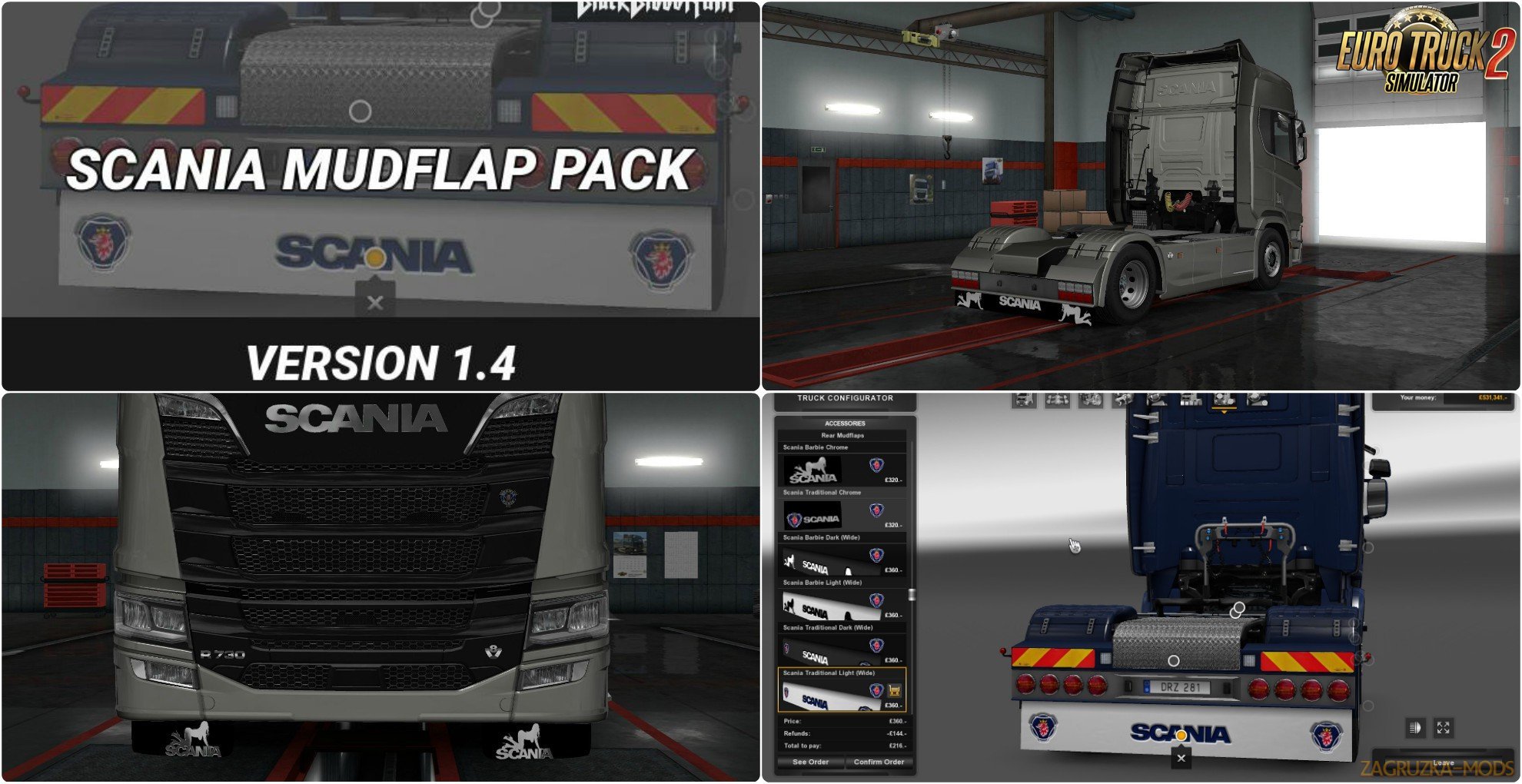
Scania Mudflap Pack v1.4 by BlackBloodRum (1.31.x) for Euro Truck Simulator 2 game.
Supported SCS Trucks:
Scania R (2012)
Scania Streamline (2012)
Scania R (2016)
Scania S (2016)
Supported Custom Trucks:
Scania RS v2.2 by RJL
Scania T v2.2 by RJL
Scania R 4-series v2.2 by RJL
Scania T 4-series v2.2 by RJL
Please be aware the above custom trucks have only been tested with the version listed above as such if a newer version has since been released this mudflap pack may not work on that truck anymore.
However, this pack will be updated in the future to support newer versions of those trucks where possible.
Feedback/Support:
If you've would like to provide feedback or have a suggestion please let me know by replying to this thread!
Installation Notes:
If you are using the Steam Workshop simply click subscribe on the Steam Workshop page and Steam will handle the mod installation automatically. Once you have subscribed you will see this modification in your Mod Manager and you can then activate it.
If you are not using the Steam Workshop and have downloaded this modification from an alternate source then this mod should be installed the same way as any other traditional modification, simply place the downloaded scs file in your mods folder as always.
Once you are sure the scs file is in your mods folder go to the mods manager and activate it.
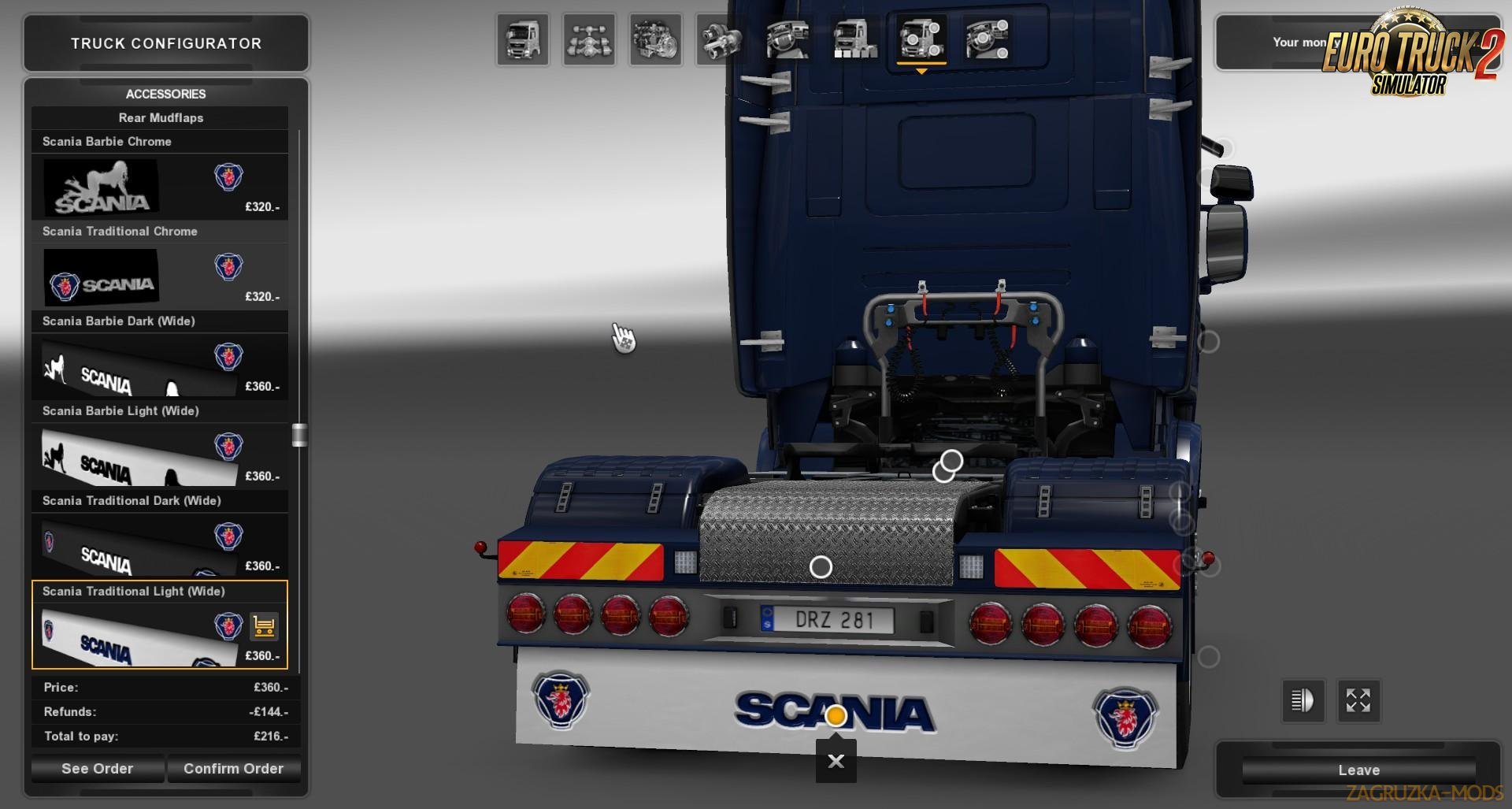
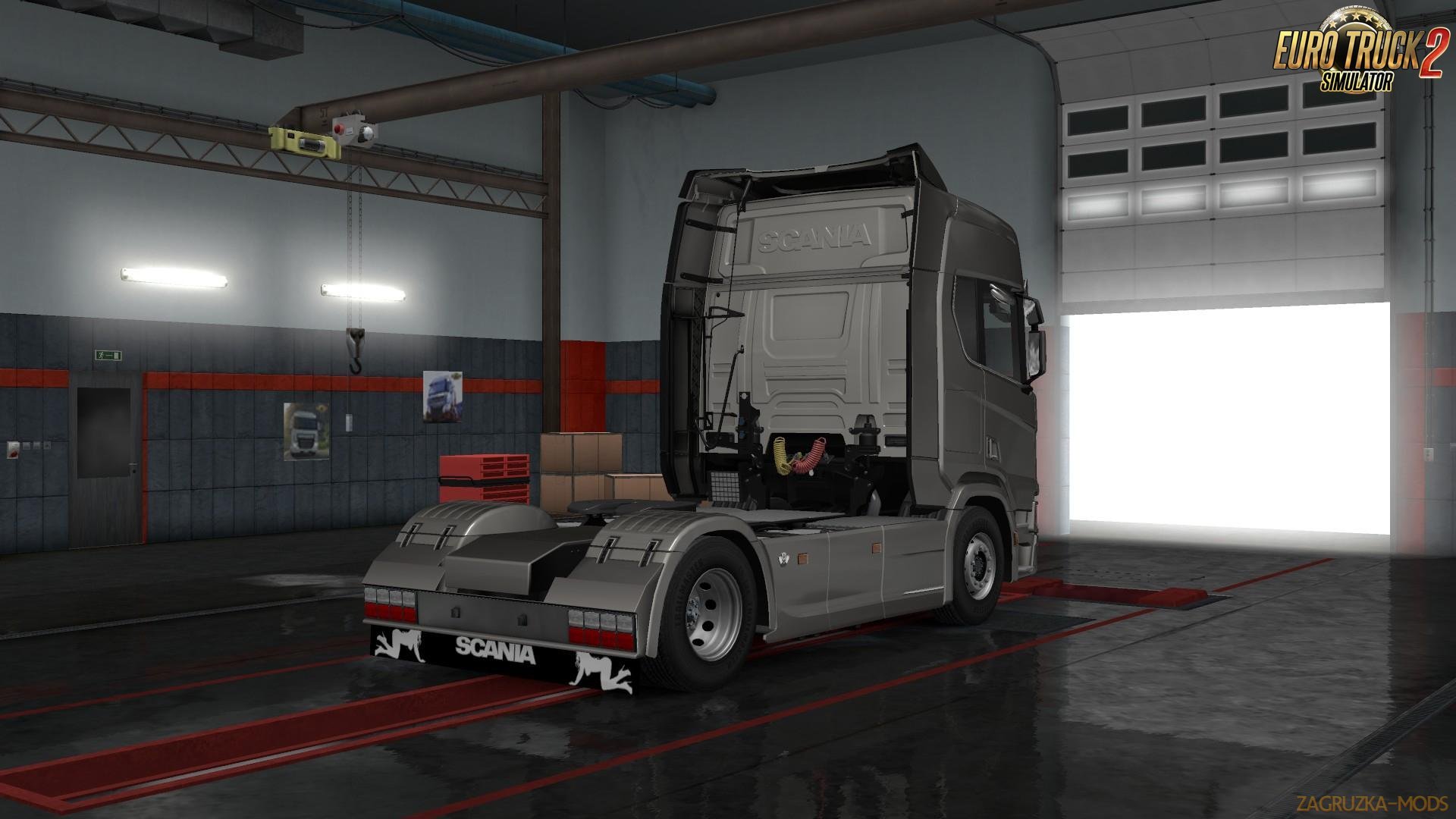
You should now see the mudflap items in game!
Upgrading Notes:
In most cases if you are subscribed using the Steam workshop your mod will be updated automatically and these notes are irrelevant to you.
If upgrading manually always remember to remove the previous version and follow the installation notes above.
My Mudflaps Changed To Blue/Red After Upgrading!
If your mudflaps have turned blue or red after upgrading this modification then it means that the mudflaps you were using have either been relocated/renamed (blue) or removed (red).
This is an intentional built-in recovery system that catches these mudflap changes to prevent errors appearing in your game and allows you to safely change the mudflaps without needing to sell your existing truck. Once your mudflaps have been changed there is no further action required.
Downgrading Notes:
Attempting to downgrade this modification can cause errors in your game log that can only be solved by selling your current truck. This happens because updates may make changes which are incompatible with older versions of this modification.
If you wish to downgrade to an older version of this modification you must first perform the uninstallation procedure below.
In addition please note that downgrading is not a supported path!
Uninstalling:
Remove any items added by this mod from your truck(s) before you remove this mod, failure to do so could result in game errors!
If you have already removed the modification without first removing added items from a truck please re-install the mod, load a save that was created prior to uninstallation of this mod and then remove the items.
Once you have removed all items from your truck(s) this mod is safe to uninstall.
Tested Compatible Game Version(s):
v1.31.x
Required DLC(s):
This modification does not require any DLC and will work with the base game.
Known Mod Conflicts:
This should not conflict with other mods which add mudflaps to the game.
Most Recent Changes:
Version 1.4 - 20/05/17:
- Game update 1.31 fixes
- Support for SCS Scania 2016 R
- Support for SCS Scania 2016 S
You may find a complete list of all previous changes to this modification here.
Big Thanks To:
- SCS for making this mod possible!
- GT-Mike for his advice on chrome!
- RJL for his awesome Scania trucks!
Disclaimer:
While every care has been taken to ensure that this mod works correctly and has no strange side effects, this modification is installed and used entirely at the users own risk and is not subject to warranty from the author of this modification or SCS Software.
Tested on game version 1.31.x
![Rudi´s Rush Hour v1.0 [1.31.x]](/templates/zagruzkamods-V2/dleimages/no_image.jpg)
![Scania Mudflap Pack v1.3 [1.25.x]](/uploads/posts/2016-09/1474614725_mudflap.jpg)
![Scania Mudflap Pack v1.3.2 [1.27.x]](/uploads/posts/2017-03/1490260191_1490259725_w0sgtkh.png)

