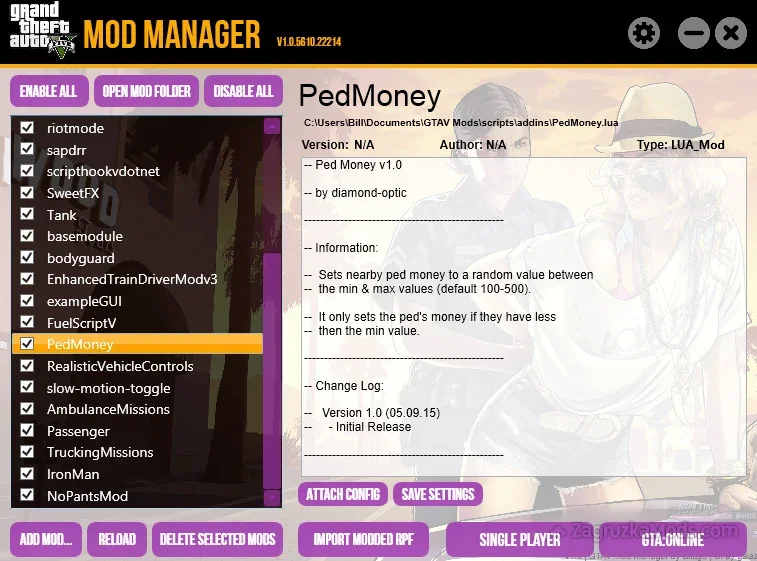
Features Mod Manager:
External Mod Storage:
- Mods are stored in a configurable external folder (e.g., C:\Users\Documents\GTAV Mods\) rather than the GTA V directory, keeping the game’s core files untouched.
- Includes an RPF Installation Wizard for easy swapping between modded and vanilla RPF files, with automatic backups of original files to prevent data loss.
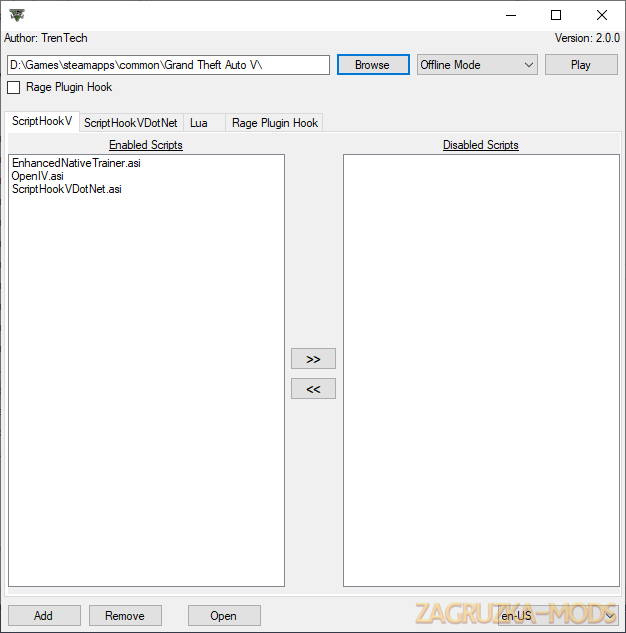
- Supports ASI, LUA, FX, DLL, VB, CS, and PY files, with automatic import to their correct folders (e.g., .asi to the mod folder, .lua to scripts\Addins).
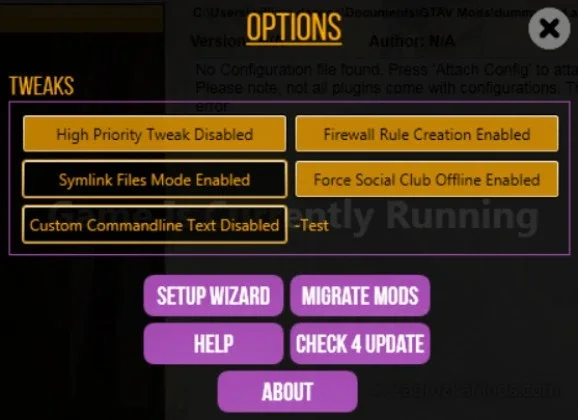
- Automatically removes all mods when launching GTA Online, ensuring no modified files remain to avoid bans. It also sets Social Club to offline mode and blocks GTA5.exe from internet access via firewall rules when mods are active.
- Allows users to add mods by dragging and dropping files into the manager, with automatic placement in the appropriate directories (Windows 8+ UAC may limit this)
- Users can individually enable or disable mods from the manager’s interface, providing flexibility to mix and match mods without manual file management.
- Automatically detects and allows editing of mod configuration files directly within the manager, simplifying customization.
- Firewall and Performance Tweaks:
- Creates firewall rules to block GTA5.exe from the internet while mods are enabled (Windows Firewall only, configurable). Also includes a high-priority adjustment for GTA5.exe to optimize performance.
Changes in v2.0:
- Enabled support for the enhanced version. Enable in settings
Tested in game version v1.60+