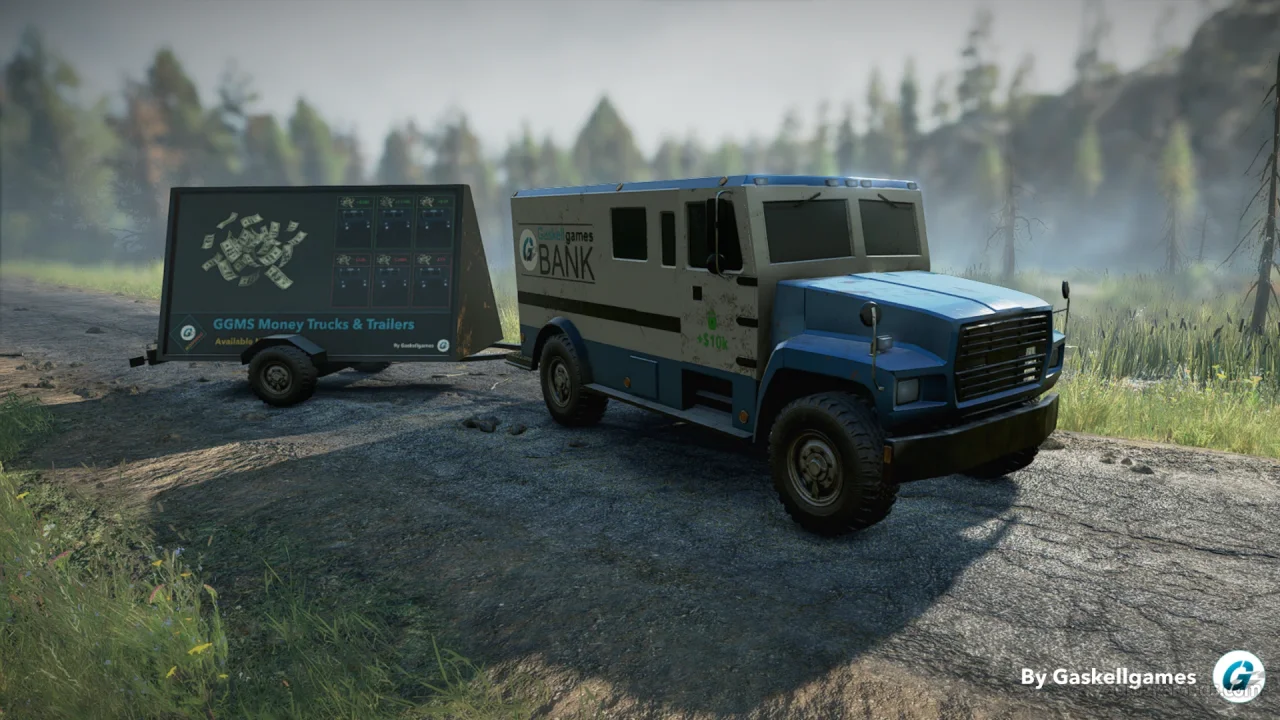
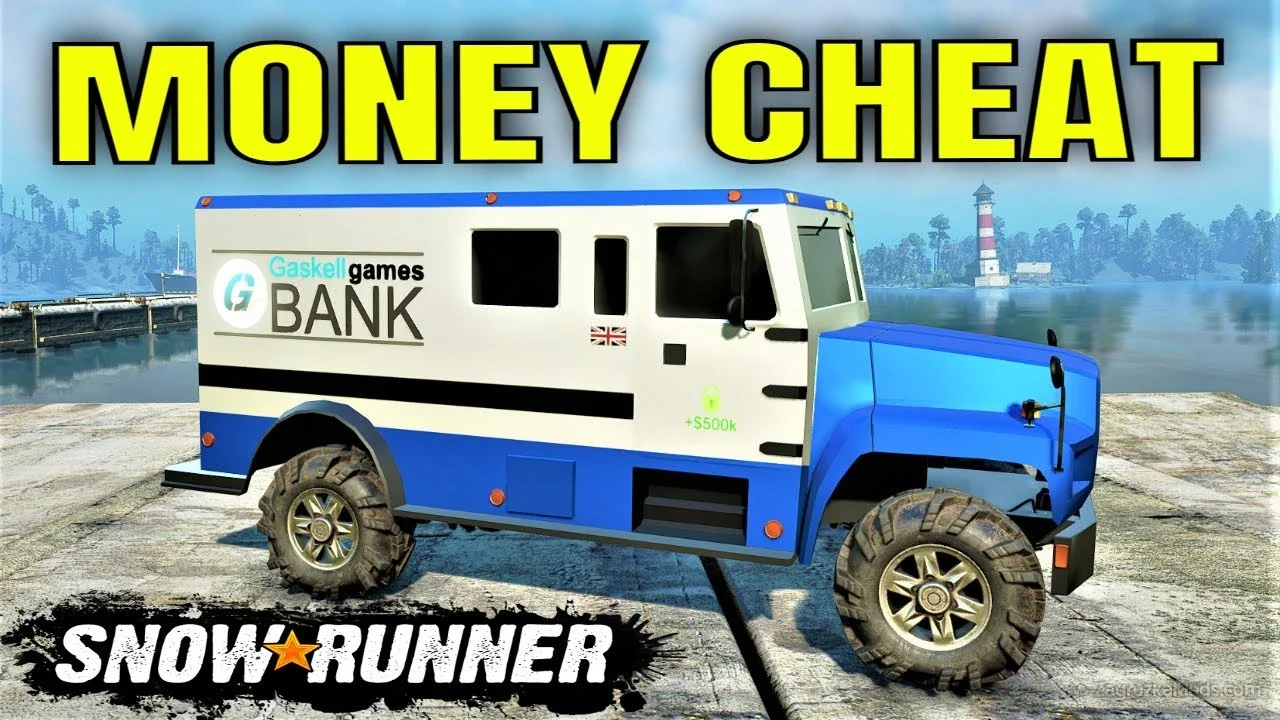
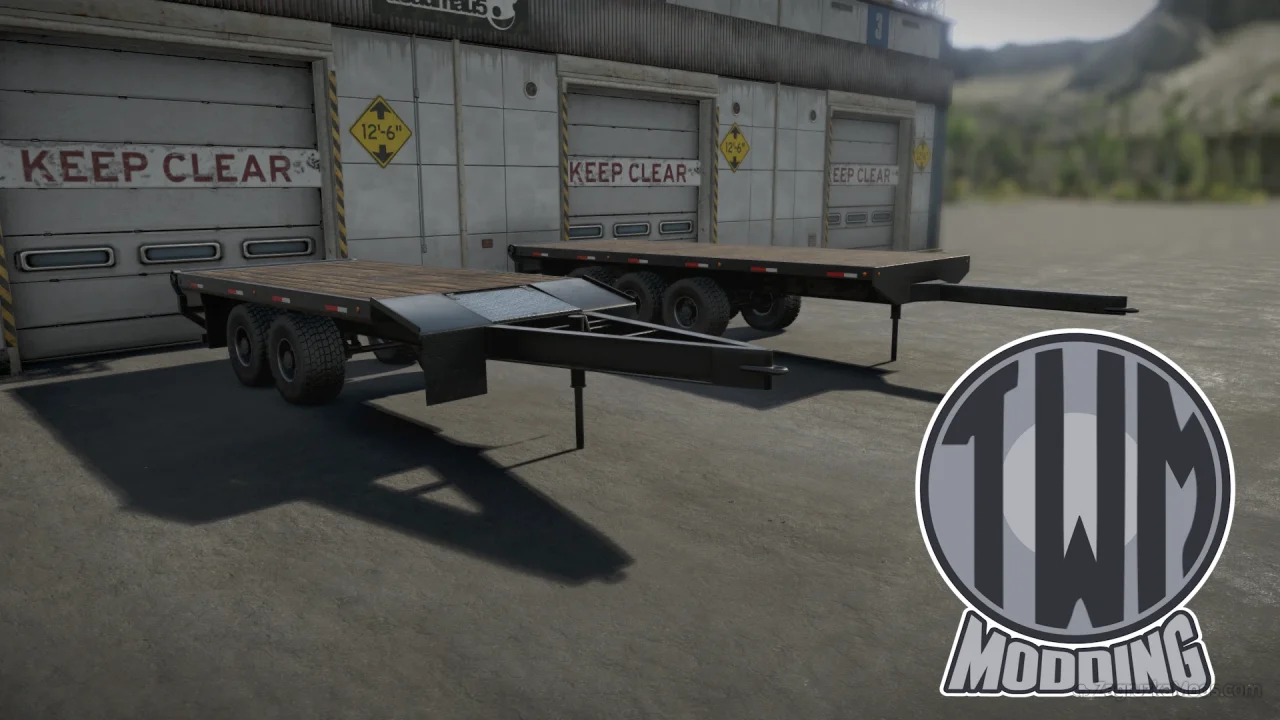
Features Money Trucks and Trailers:
Vehicles Added:
- 6 Bank Trucks: These are purchasable vehicles that represent different monetary values. Buying a truck instantly adds the corresponding amount to your balance (e.g., +$10K, +$100K, up to +$1M or higher in some configurations). Each truck can be bought multiple times for repeated additions.
- 6 Advertisement Trailers: Matching trailers that attach to compatible trucks. They mirror the trucks' functionality but are used for subtracting money (e.g., -$10K, -$100K, down to -$1M), providing flexibility for fine-tuning or testing scenarios.
- Supports both positive and negative values, ranging from small increments like ±$10K to large sums like ±$1M (or up to ±$10B in extended options from later patches).
- Changes apply immediately upon purchase or attachment, directly modifying your save file without requiring restarts.
- Important Note: For removal (negative) options, the mod must remain active in your loadout. Deactivating it without properly reversing changes may restore the subtracted money upon reload.
- Subscribe and enable the mod via the in-game mod browser (e.g., on mod.io).
- Load your save or start a new one.
- Visit the garage and search for vehicles/trailers named like "+10K$" or "-100K$".
- Purchase or attach as needed—repeat for cumulative effects. Do not sell these vehicles, as it could lead to unpredictable balance issues.

Tested on game version v30.0