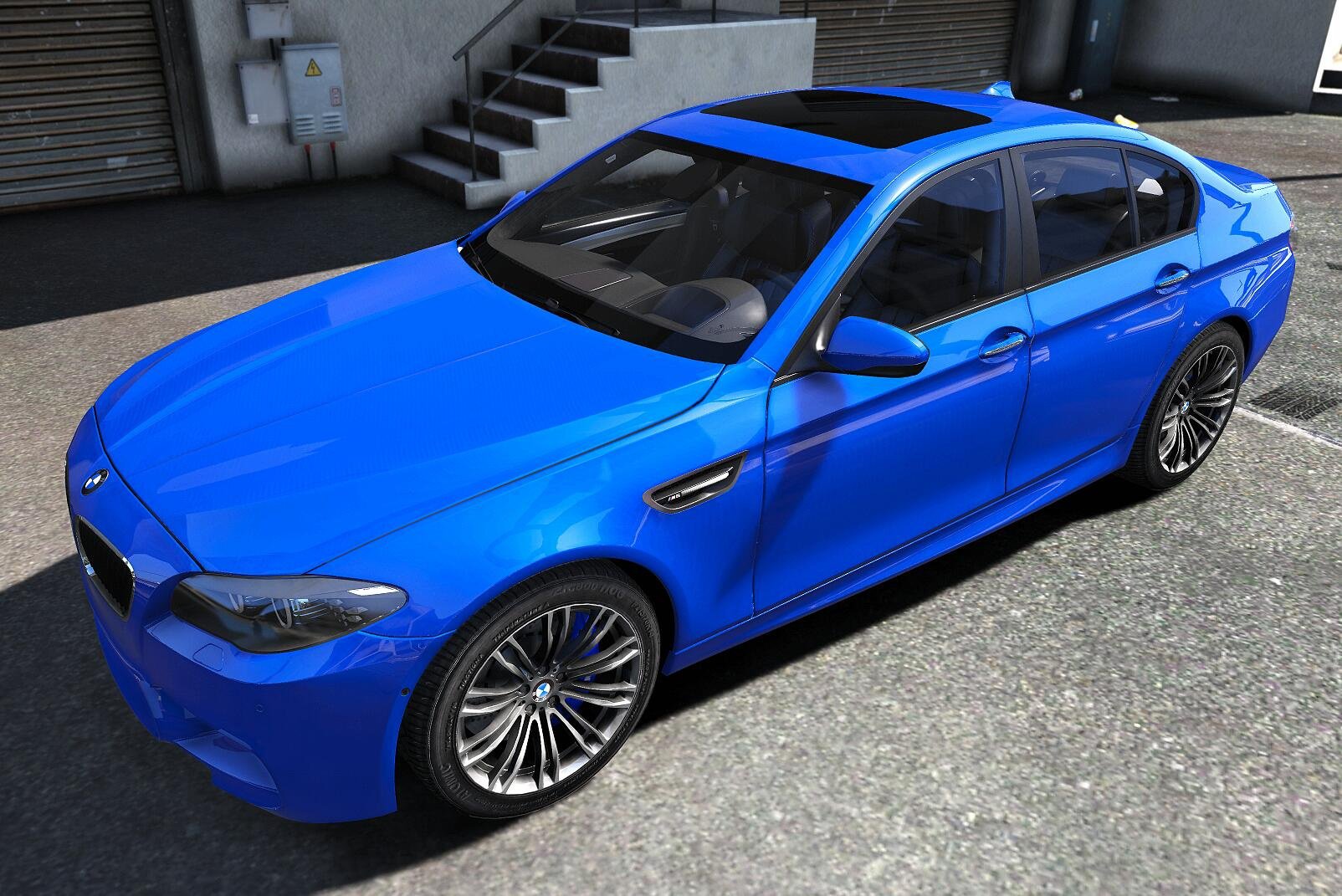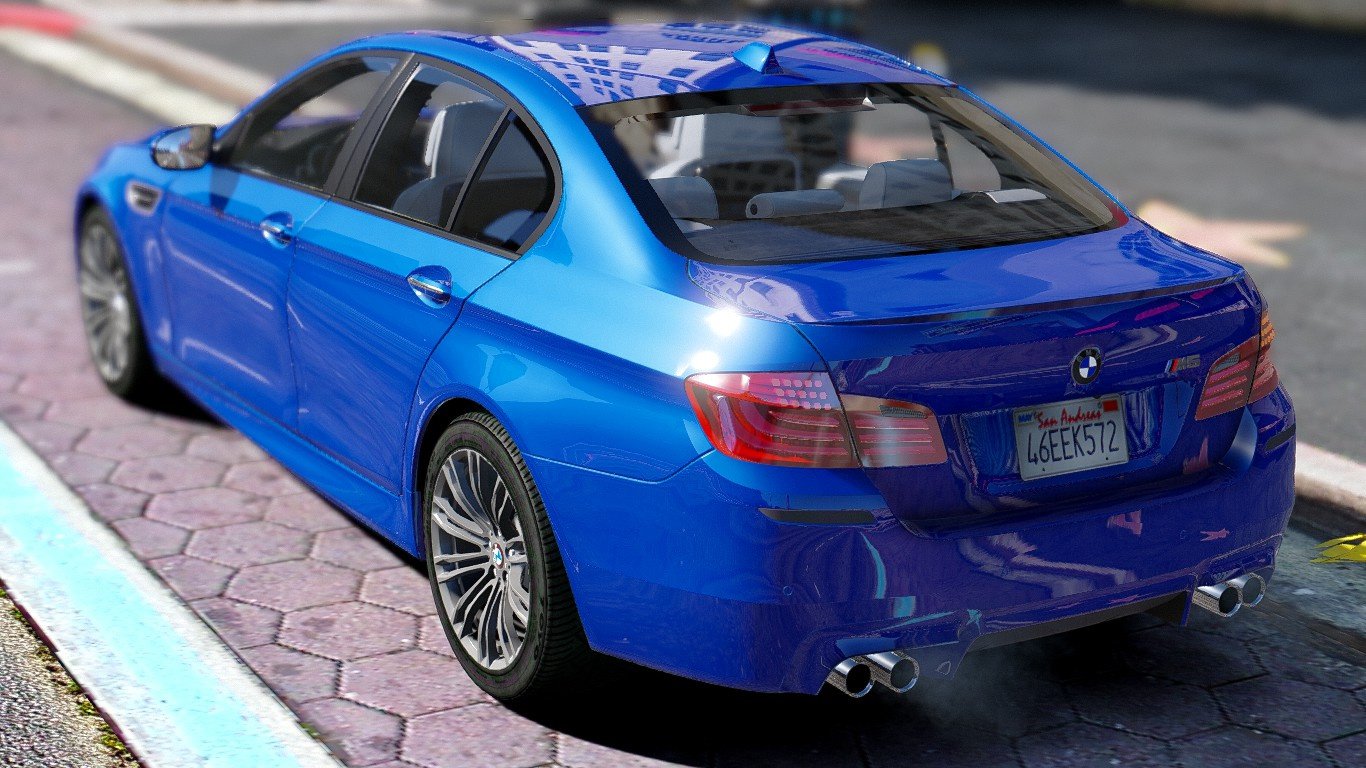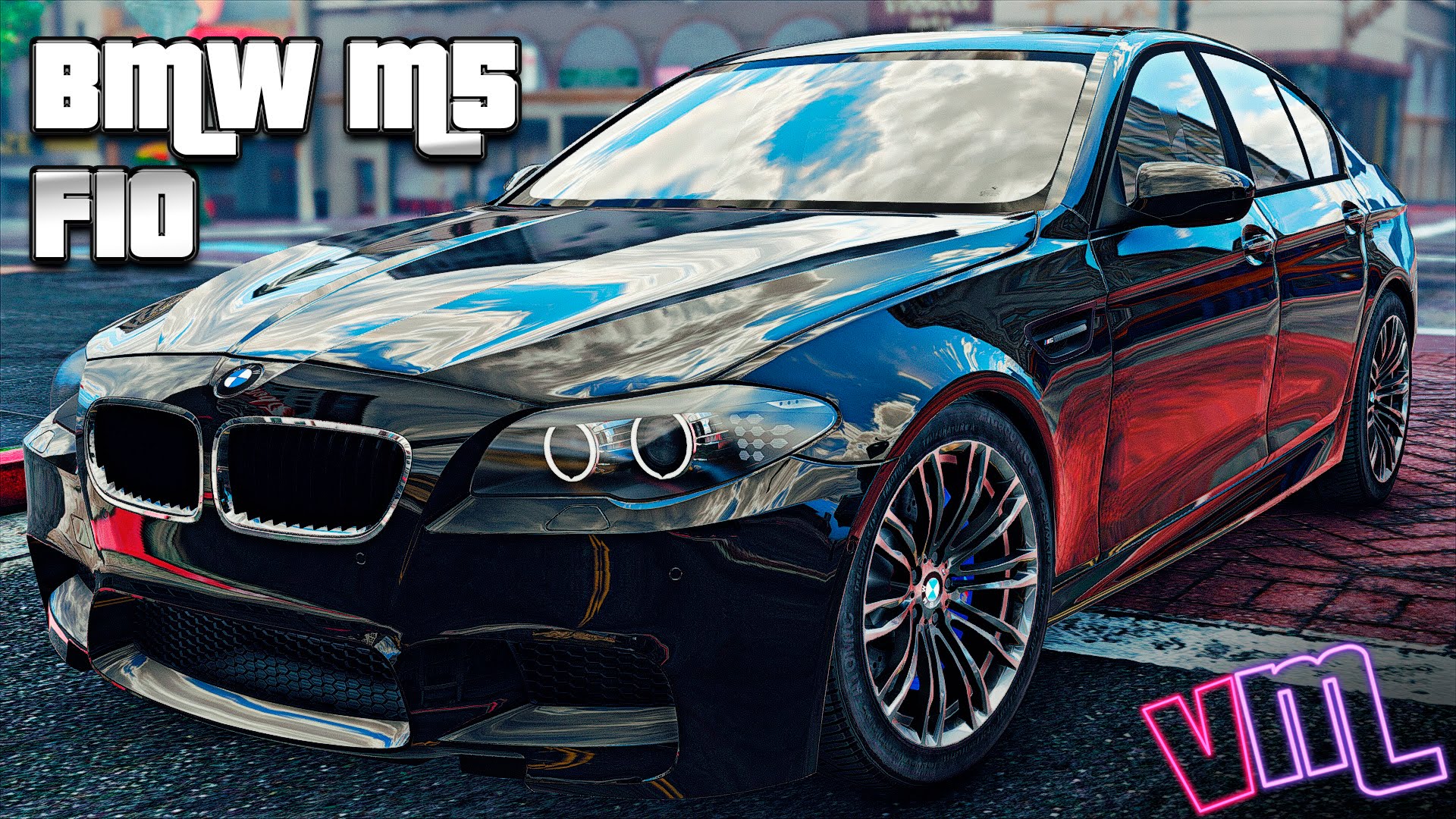
BMW M5 (F10) 2012 v1.0 for GTA 5 game.
Description:
- there is tuning, which can be installed in Los Santos Customs
- detailed exterior
- detailed interior
- detailed 3D engine and baggage compartment
- bullet holes remain
- open all doors, covers, engine compartment and Luggage compartment
- on the doors, engine compartment cover and Luggage compartment are hinges and locks
- detailed doorways
- there are thresholds in doorways
- mirrors reflect the gaming world
- the steering wheel turns
- repainted exterior and interior
- all glass tinted, exposed, crack and break
- working lights
- the lights are broken
- neon lights displayed correctly
- exterior and wheels get dirty
- exterior scratches
- high quality textures wheel tires
- the tires of the wheels are pierced
- correct display rim after breaking tire
- present the illumination of arrow speedometer and tachometer
- working arrow speedometer and tachometer
- the character is correctly sitting in the driver's seat
- the character's hands grasping the steering wheel
- the car can be up to four characters
- away model looks like near
Install:
1. Open the program OpenIV;
2. Specify the path to the directory installed games GTA 5 for Windows;
3. To enable edit mode (if prompted to install the plug-in for GTA V, hit the "ASI Manager" in the window that appears, select "Install" OpenIV.ASI);
4. Next, go on this way - x64e.rpf\levels\gta5\vehicles.rpf;
5. Replace "oracle2.yft", "oracle2.ytd" and "oracle2_hi.yft" in the same modification file from the downloaded archive;
6. Next, go on a new path - x64i.rpf\levels\gta5\vehiclemods;
7. Replace "oracle2_mods.rpf" in the same modification file from the downloaded archive;
8. Next, go on a new path - update\update.rpf\common\data\levels\gta5;
9. Replace "vehicles.meta" in the same file modifications from the downloaded archive;
10. The modification will be installed and the program OpenIV can be closed.
Tested in game version 1.0.791.2
[media=//www.youtube.com/watch?v=TyBCh4Pvvvw]