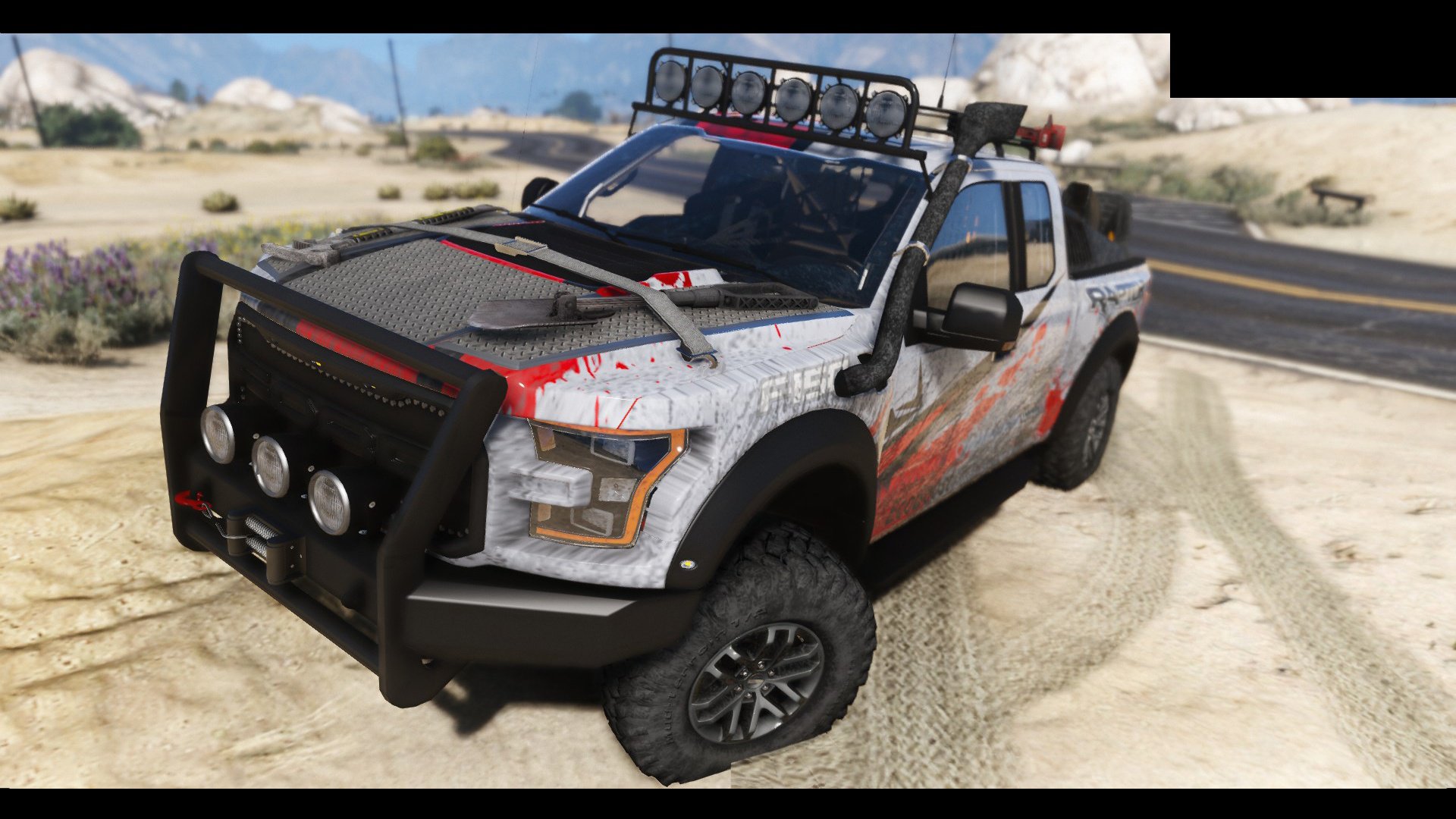
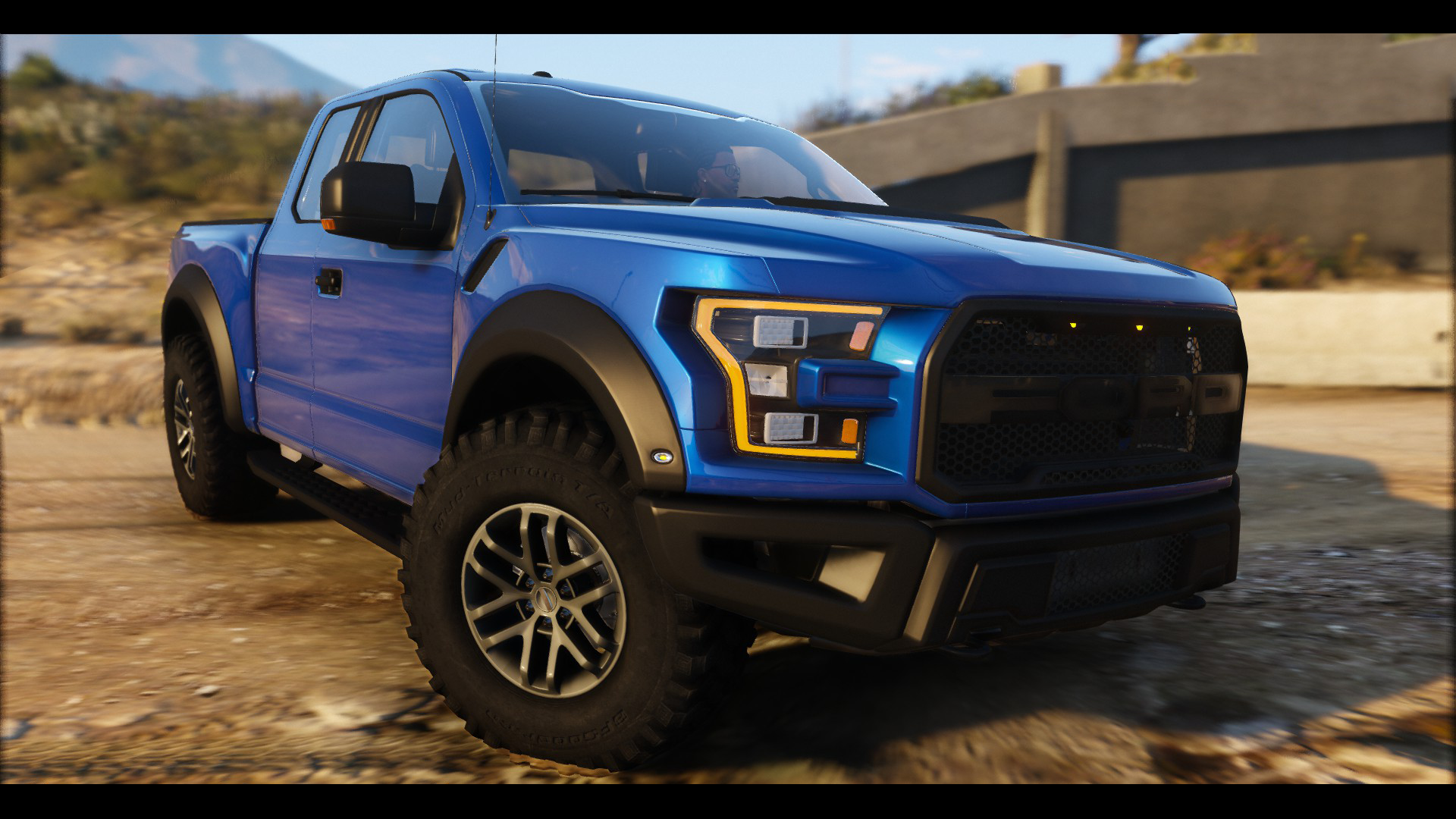
Ford Raptor 2017 + Tuning v1.2 for GTA 5 game.
Features:
- detailed exterior
- detailed interior
- Accurate real life scale
- Custom Handling [First time]
- Lots of Tuning Parts
- Full new collision 100% exact to car size
- HQ interior
- Trunk & Doors work!
- Real life like door opening!
- Working dials!
- HQ engine
- HQ car body
- HQ undercarriage
- Full gta 5 materials
- Smooth reflections
- Breakable crystals
- Correct first person view camera
- Working headlights leds
- Brake and reversing lights
- Front indicators
- HQ door sills
- Correctly scaled tires
- Working steering wheel
- Hands on wheel
- Multi Level Dirt mapping
- Liveries
- Side mirrors and cockpit mirror reflect correctly
- Custom Handling [First time]
- Lots of Tuning Parts
- Full new collision 100% exact to car size
- HQ interior
- Trunk & Doors work!
- Real life like door opening!
- Working dials!
- HQ engine
- HQ car body
- HQ undercarriage
- Full gta 5 materials
- Smooth reflections
- Breakable crystals
- Correct first person view camera
- Working headlights leds
- Brake and reversing lights
- Front indicators
- HQ door sills
- Correctly scaled tires
- Working steering wheel
- Hands on wheel
- Multi Level Dirt mapping
- Liveries
- Side mirrors and cockpit mirror reflect correctly
- present the illumination of arrow speedometer and tachometer
- working arrow speedometer and tachometer
- the character is correctly sitting in the driver's seat
- the character's hands grasping the steering wheel
- the car can be up to four characters
- away model looks like near
- tuning present
Changes in v1.2:
-Glass tinting Fix
-Glass Texture Fix
-Glass tinting Fix
-Glass Texture Fix
Credits:
License Owner: Ford Agency
Author: 3d Molier_Internation. Turbosquid purchased
Raptor Racing Livery: Gta_Perzeus
Handling Help: ReMasterAutos Team
Converting: vans123
License Owner: Ford Agency
Author: 3d Molier_Internation. Turbosquid purchased
Raptor Racing Livery: Gta_Perzeus
Handling Help: ReMasterAutos Team
Converting: vans123
Install:
1. Open the program OpenIV;
2. Specify the path to the directory installed games GTA 5 for Windows;
3. To enable edit mode (if prompted to install the plug-in for GTA V, hit the "ASI Manager" in the window that appears, select "Install" OpenIV.ASI);
4. Next, go on this way - x64e.rpf\levels\gta5\vehicles.rpf;
5. Replace "fugitive.yft", "fugitive.ytd" and "fugitive_hi.yft" in the same modification file from the downloaded archive;
6. The modification will be installed and the program OpenIV can be closed.
Tested in game version 1.0.757.4
1. Open the program OpenIV;
2. Specify the path to the directory installed games GTA 5 for Windows;
3. To enable edit mode (if prompted to install the plug-in for GTA V, hit the "ASI Manager" in the window that appears, select "Install" OpenIV.ASI);
4. Next, go on this way - x64e.rpf\levels\gta5\vehicles.rpf;
5. Replace "fugitive.yft", "fugitive.ytd" and "fugitive_hi.yft" in the same modification file from the downloaded archive;
6. The modification will be installed and the program OpenIV can be closed.
Tested in game version 1.0.757.4
[media=//www.youtube.com/watch?v=wZcA0UmPJ-E]