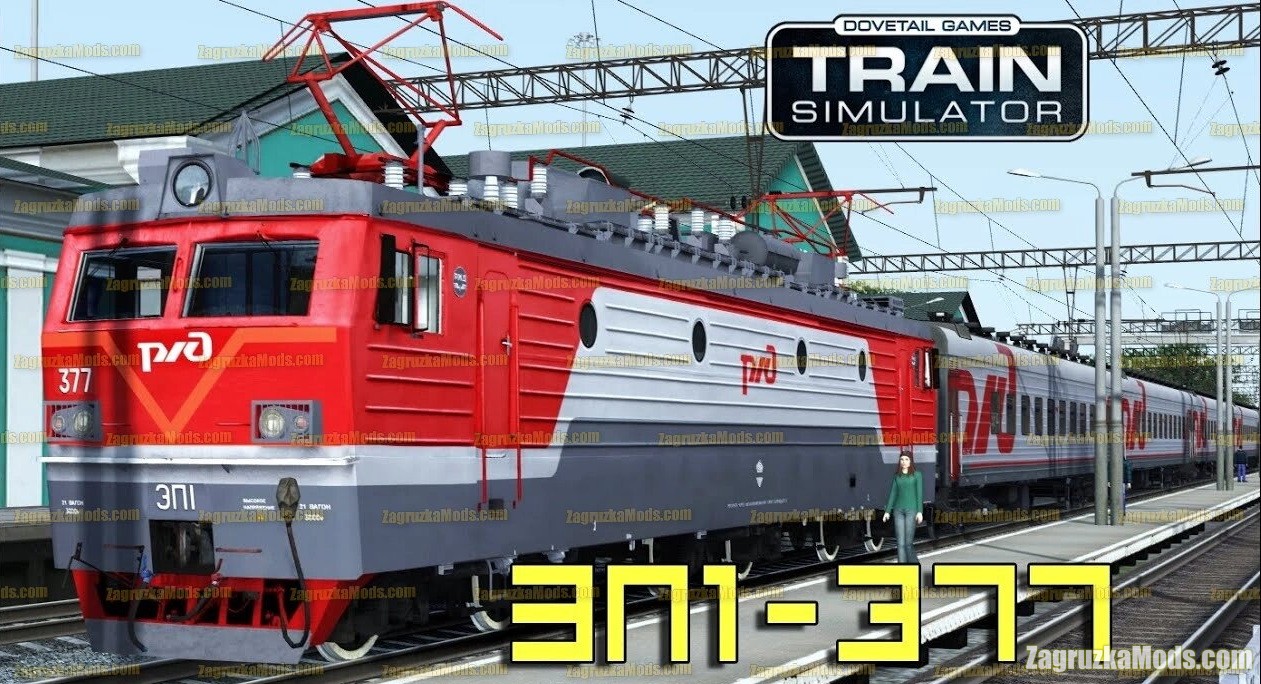
Download mod Electric locomotive EP1-377 v1.0 for TS 2020 | Train Simulator 2020 game.
Electric locomotive EP1-377 - this mod adds a high quality passenger electric russian locomotive for trains lovers in TS 2020. In theory, it should work on versions 2015-2021.
How to start the locomotive:
1.Turn on the "Battery" toggle switch on the left panel of the cab (Key U)
2.Set the toggle switches "Disruptor 1" (F) and "Disruptor 2" (Ctrl + V) to the lowest position
3. Turn on the "Front pantograph" toggle switch (P), wait for the voltage readings to appear in the COP. Turn on the toggle switch "Rear pantograph" (Shift + P)
4.Turn on the "Control Key" toggle switch (Y)
5.Put the Reverse Switch to Forward (W)
6. Press the BV button. (Z)
7. Check the inclusion of BV on the indicator.
8. Put "Reverse" in the "Neutral" position. (S)
9.Set the EPT toggle switches to the upper position.
10.Turn on the equipment "CLUB-U" (Ctr + Shift + B)
11.Turn the EPK key (C)
The locomotive is running.
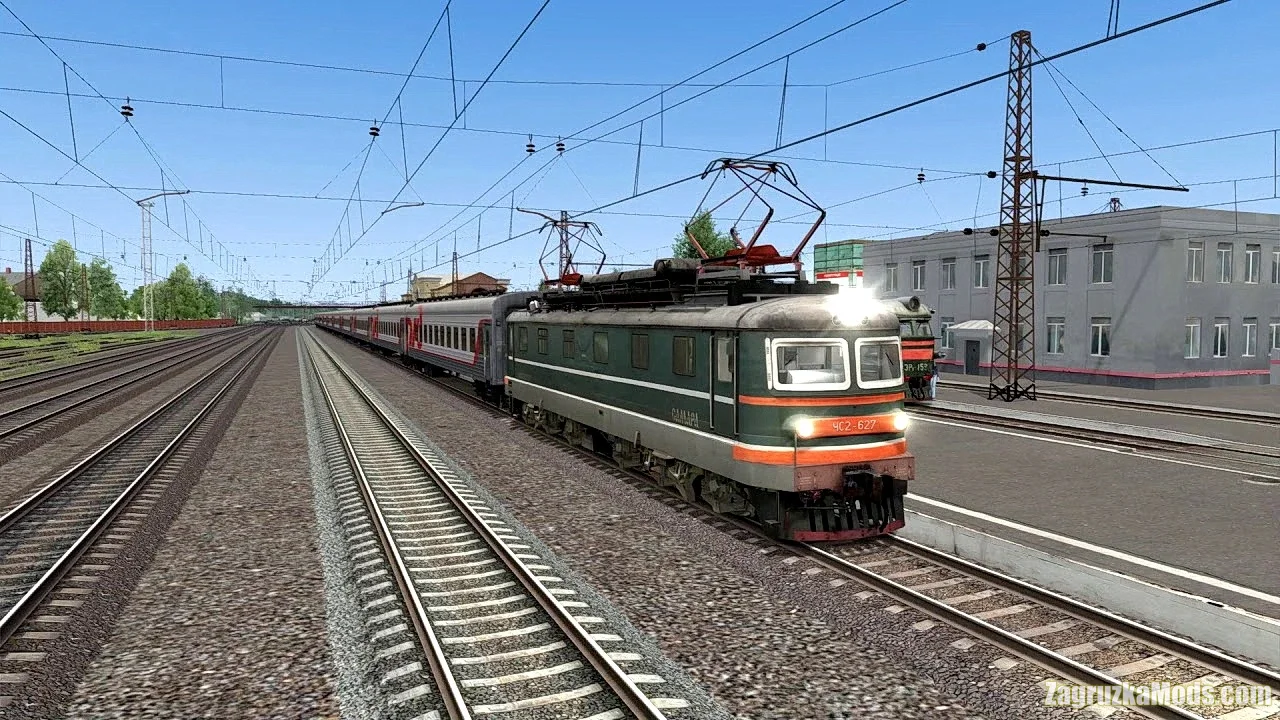
The locomotive works only if you have ChS2-627 installed

Install:
How to set the fashion in the Train Simulator: for RailWorks add-ons are installed using the built-in Utilites Add-ons Manager, located in the root folder of the game.
Press the large Install button (SET) which is to the right, and specify a location or rpk rwp-archive.
If the file is not packed in such a file, then copy the Assets folder to the root of the game and confirm the replacement.
How to set the fashion in the Train Simulator: for RailWorks add-ons are installed using the built-in Utilites Add-ons Manager, located in the root folder of the game.
Press the large Install button (SET) which is to the right, and specify a location or rpk rwp-archive.
If the file is not packed in such a file, then copy the Assets folder to the root of the game and confirm the replacement.
Tested on game version TS 2020