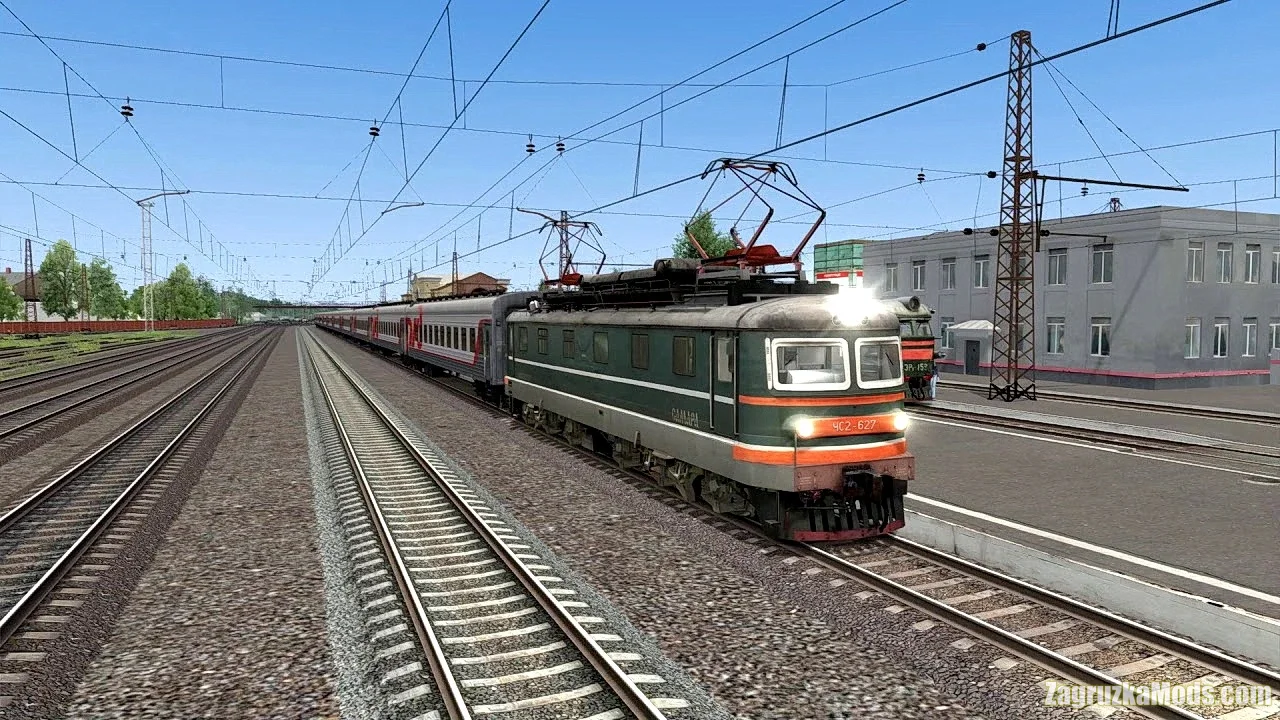
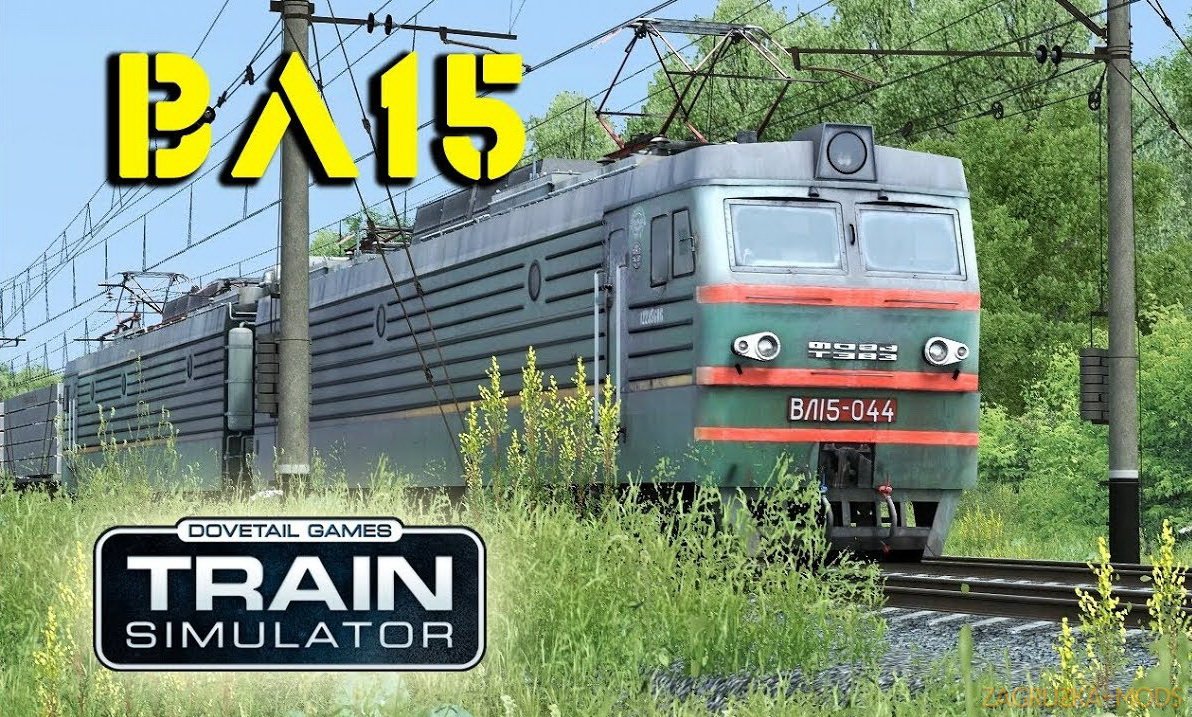
Download mod Pack Electric Locomotives CHS4T v1.0 for TS 2019 | Train Simulator 2019 game.
The six-axle electric locomotive CHS4T is the main type of passenger locomotive for lines electrified with alternating current of 25 kV. The first experimental electric locomotive, ChS4T, was built by the Czechoslovak Skoda plants in 1971, and then after making minor changes to the design, the ChS4T electric locomotives (factory type 62E) were built by this plant in 1973-1974, 1977-1985. and the beginning of the twelfth five-year plan.
How to start the locomotive:
1. Turn on the power switch "EPT switch at the bottom under the control panel (Ctr + Shift + B)
2. Turn on the "Coil 790" toggle switch on the cockpit console (U)
3. Turn on the Rear Pantograph toggle switch (P)
4. Turn on the “GB control” toggle switch (F)
5. Turn on the "Front compressor MK" toggle switch (N)
6.Turn On Rear MK Toggle Switch (N)
7.Put the "Reverse" switch to the "Forward" position (W)
8.Turn On Radio Switch Toggle (Y)
9. Press the "EPT Vacation" button. (Z)
10. Turn the key EPA (C)
11. To check the activation of HV on the indicator ALNS.
12. Turn on the "Switch on EPT circuit" toggle switch (G). ?
13. Turn on the side light switch (J, K)
14. Turn on the “Projector” toggle switch to dim in the daytime or bright in the dark (Only from the control panel)
15. Cabin lighting "O / Shift + O"
16. Security handle "Q"
2. Turn on the "Coil 790" toggle switch on the cockpit console (U)
3. Turn on the Rear Pantograph toggle switch (P)
4. Turn on the “GB control” toggle switch (F)
5. Turn on the "Front compressor MK" toggle switch (N)
6.Turn On Rear MK Toggle Switch (N)
7.Put the "Reverse" switch to the "Forward" position (W)
8.Turn On Radio Switch Toggle (Y)
9. Press the "EPT Vacation" button. (Z)
10. Turn the key EPA (C)
11. To check the activation of HV on the indicator ALNS.
12. Turn on the "Switch on EPT circuit" toggle switch (G). ?
13. Turn on the side light switch (J, K)
14. Turn on the “Projector” toggle switch to dim in the daytime or bright in the dark (Only from the control panel)
15. Cabin lighting "O / Shift + O"
16. Security handle "Q"
The next version is EXPECTED!
1. Using native sounds for chs4t
2. Zadekanie 3D textures of water droplets in the driver's cab!
3. Installation of lighting on the control panel in the cabin.
4.Fixes and flaws in config files!
5. Improvement of the script under the signaling ALNS!
6.If the authors allow, lay out the CS4t cabin with CLUB - M!
7.A also needs help in mastering the script for writing the CLUB-M signaling
1. Using native sounds for chs4t
2. Zadekanie 3D textures of water droplets in the driver's cab!
3. Installation of lighting on the control panel in the cabin.
4.Fixes and flaws in config files!
5. Improvement of the script under the signaling ALNS!
6.If the authors allow, lay out the CS4t cabin with CLUB - M!
7.A also needs help in mastering the script for writing the CLUB-M signaling
Credits:
The model for conversion was taken in free access from https://trainzup.com/
Locomotive and Cab Original Model: VOLD
Model texture refinement and conversion: SID
Locomotive works only if you have installed CS 2-627 from the site http://www.railunion.net/forum52/topic15662.html
Who does not want to download this model, pass by this message!
Locomotive and Cab Original Model: VOLD
Model texture refinement and conversion: SID
Locomotive works only if you have installed CS 2-627 from the site http://www.railunion.net/forum52/topic15662.html
Who does not want to download this model, pass by this message!
Install:
How to set the fashion in the Train Simulator: for RailWorks add-ons are installed using the built-in Utilites Add-ons Manager, located in the root folder of the game.
Press the large Install button (SET) which is to the right, and specify a location or rpk rwp-archive.
If the file is not packed in such a file, then copy the Assets folder to the root of the game and confirm the replacement.
How to set the fashion in the Train Simulator: for RailWorks add-ons are installed using the built-in Utilites Add-ons Manager, located in the root folder of the game.
Press the large Install button (SET) which is to the right, and specify a location or rpk rwp-archive.
If the file is not packed in such a file, then copy the Assets folder to the root of the game and confirm the replacement.
Tested on game version TS 2019