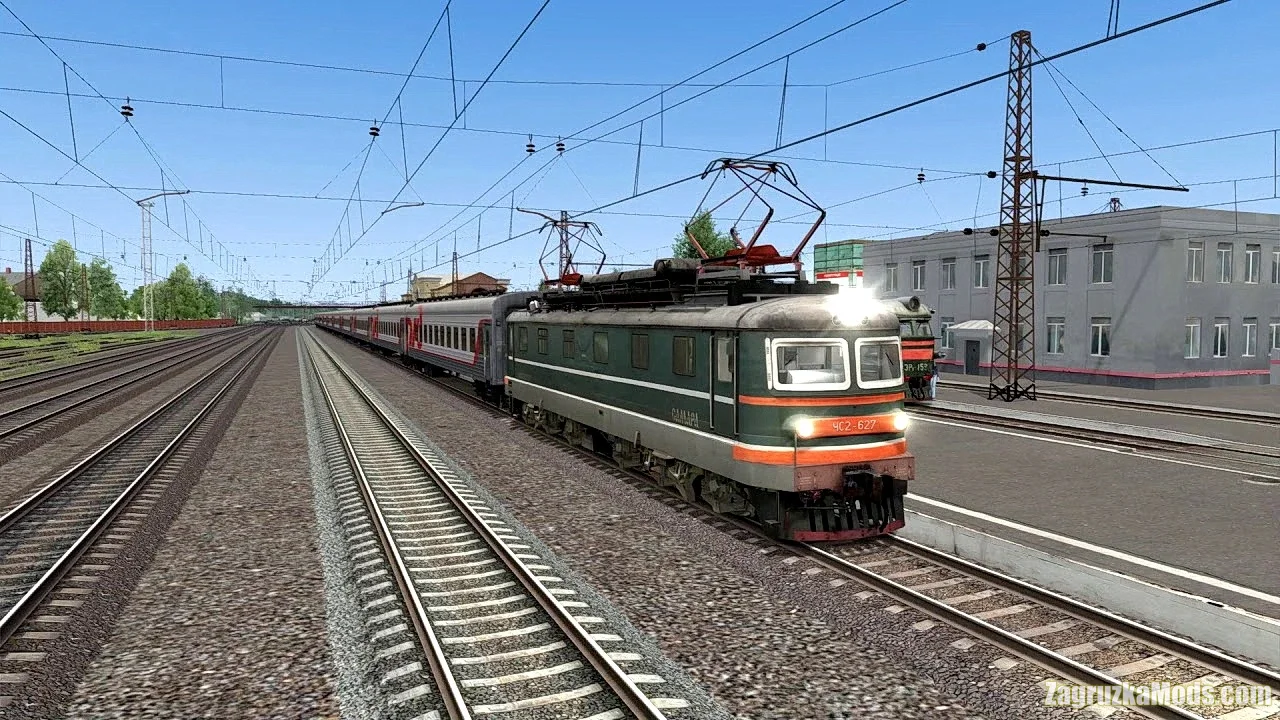
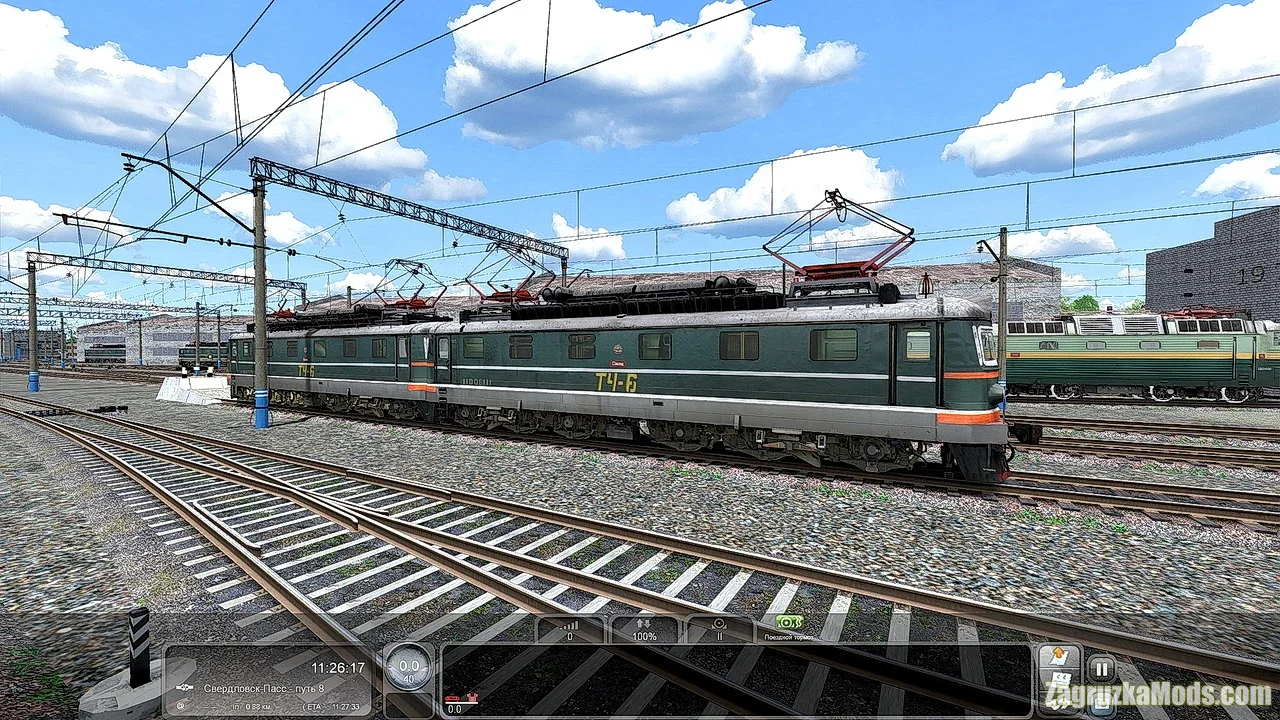
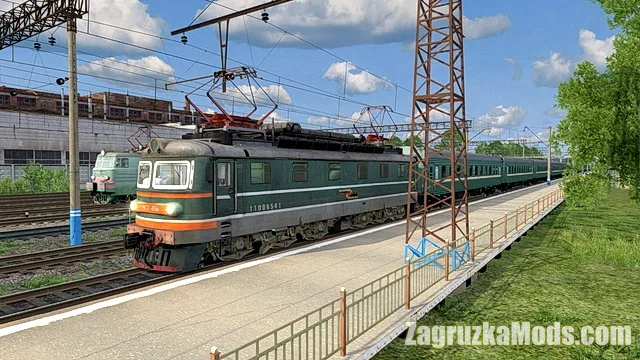
Mod Electric Locomotive ChS2-DSB v1.4.1 for TSC | Train Simulator game.
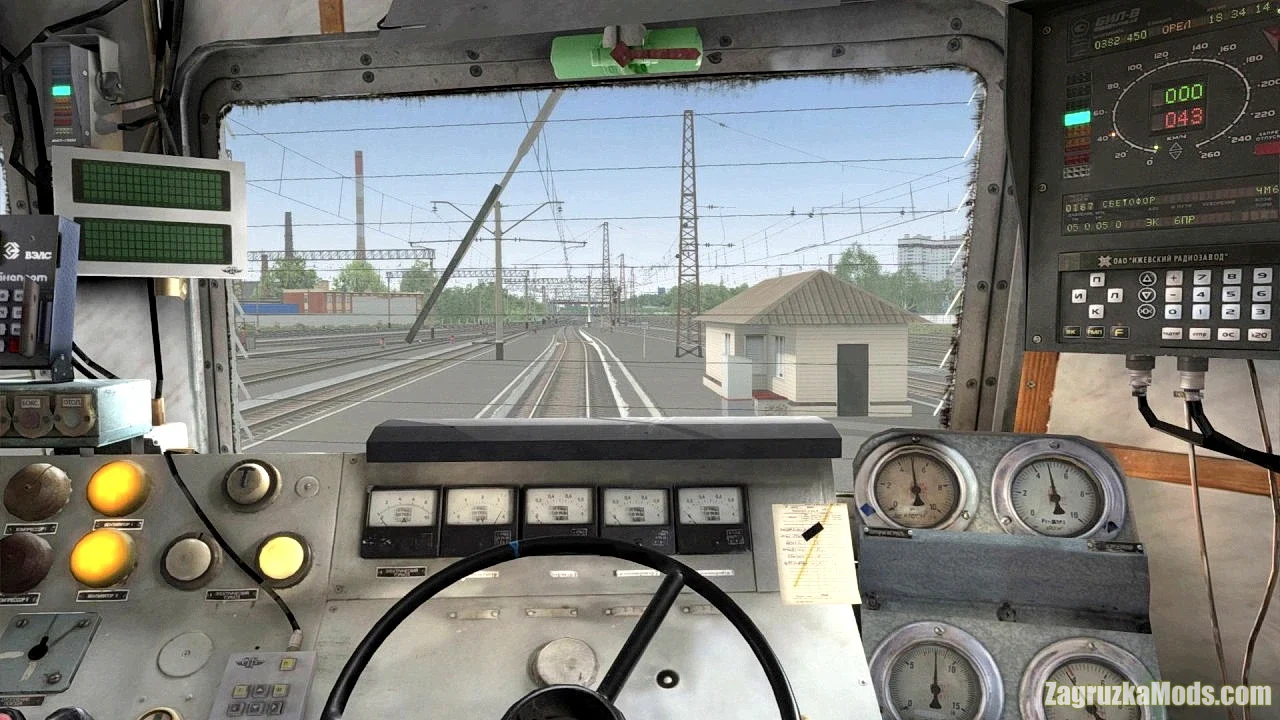
ChS2-DSB - is a virtual representation of the Soviet-built electric locomotive, specifically designed for use in train simulation environments. This locomotive is typically known for its robust design and ability to handle heavy freight and passenger services across a variety of terrains. Overall, the ChS2-DSB mod aims to blend historical accuracy with engaging gameplay, appealing to both simulation veterans and newcomers looking for a rich and fulfilling railroad experience.
How to start:
I. Starting the locomotive (the keys assigned to this action or key combination are given in brackets):
1. Turn on the "Battery" switch on the rear wall of the cab (Ctrl + Shift + Z)
2. Set the "Disconnector 1" (U) and "Disconnector 2" (J) switches to the far right position
3. Turn on the "Front Current Collector" switch (P), wait for the voltage readings in the CS to appear. Turn on the "Rear Current Collector" switch (Shift + P)
4. Turn on the "Control Key" switch (Ctrl + Shift + Y)
5. Set the "Reverse" switch to the "Forward" position (W)
6. Press the "BV On" button on the control panel. (Only from the control panel)
7. Check that the BV is on on the indicator.
8. Set the "Reverse" switch to the "Neutral" position. (S)
9. Set the "Compressor 1 (Shift + R) / Compressor 2 (Shift + C)" toggle switches to the "Auto" position (far left position).
10. Turn on the "CLUB-U" equipment (Ctr + Shift + B)
11. Turn the EPK key (Shift + N)
12. When the EPK whistle sounds, press the vigilance button (Q or Z), in some cases the RB Special button (Shift + Q) is required
The locomotive is started.
II. Entering data into the CLUB-U system
1. Entering commands (button K), entering the route (button P), entering train characteristics (button L)
2. Numeric buttons - dialing the command number/entering values
3. Up arrow - confirmation
4. Plus and minus buttons (increase/decrease the entered numerical values)
III. Starting the movement:
1. Turn on the "Fans" toggle switch (F).
2. Turn on the "EPT" switch (Ctr+Shift+E)
3. Turn on the buffer light switches (only from the control panel)
4. Turn on the "Spotlight" switch to the dim during the day or bright at night position (H/Shift+H)
5. Set the "Reverse" switch to the "Forward" position (W)
6. Release the locomotive brake ( [ )
7. Briefly set the driver's valve handle to the first position ( ; )
8. Set the first position with the driver's controller (A)
9. Upon reaching 10 km/h, turn off the "Front current collector" switch (P)"
Changes in v1.4.1:
- Small fixes regarding brake systems;
- Fixed cab light on broken locos.
Tested on game Train Simulator Classic
Electric Locomotive ChS2-DSB v1.4.1 for TSC
 Available
About this Mod
Last edited by: Zagruzka - 13-08-2024, 22:53
Reason: Mod Updated to v1.4.1
Reason: Mod Updated to v1.4.1
Changes in v1.4:
- New Oryol depot livery (699 loco number)
- Update to BIL visuals to bring more readability.
- New feature of checking train pipe by pressing Backspace.
- Small fixes.
Changes in v1.3.1:
- Fixed 627 default settings
- Fixed K80 BIL command
- Fixed brakes animation
- New Oryol depot livery (699 loco number)
- Update to BIL visuals to bring more readability.
- New feature of checking train pipe by pressing Backspace.
- Small fixes.
Changes in v1.3.1:
- Fixed 627 default settings
- Fixed K80 BIL command
- Fixed brakes animation
Download Links – Policy & Disclaimer
All download links on this page point to third-party hosting platforms (e.g. ShareMods, ModsFire, ModsBase and similar trusted mod hosters). Links are reviewed at the time of publishing, but we cannot guarantee the permanent availability or content of external websites.
- All mods listed here are checked for malware before being published.
- We are not responsible for ads or additional content shown on third-party sites.
- If a link is broken or leads to incorrect content, please contact us and we will update it promptly.
- To request removal of a link, contact the admin. Removal is at our discretion unless required by law.
By downloading, you confirm you have read and agree to our Terms & Conditions.
 Previous ModElectric locomotive VL10K v1.3 for Train Simulator ClassicView previous mod details
Next ModLDH1250 Diesel Locomotives Pack v1.1 for TSCView next mod details
Previous ModElectric locomotive VL10K v1.3 for Train Simulator ClassicView previous mod details
Next ModLDH1250 Diesel Locomotives Pack v1.1 for TSCView next mod details
Related ModsSimilar Mods to try

 TS 2019
Pack Electric Locomotives ChS4t 233-650 v1.0 for TS 2019
Locomotives Train Simulator
Download mod Pack Electric Locomotives ChS4t 233-650 v1.0 for TS 2019 | Train Simulator 2019 game. The pack includes Russian trains for Train Simulator 2019 model ChS4t. In the pack, seven...
 TS 2020
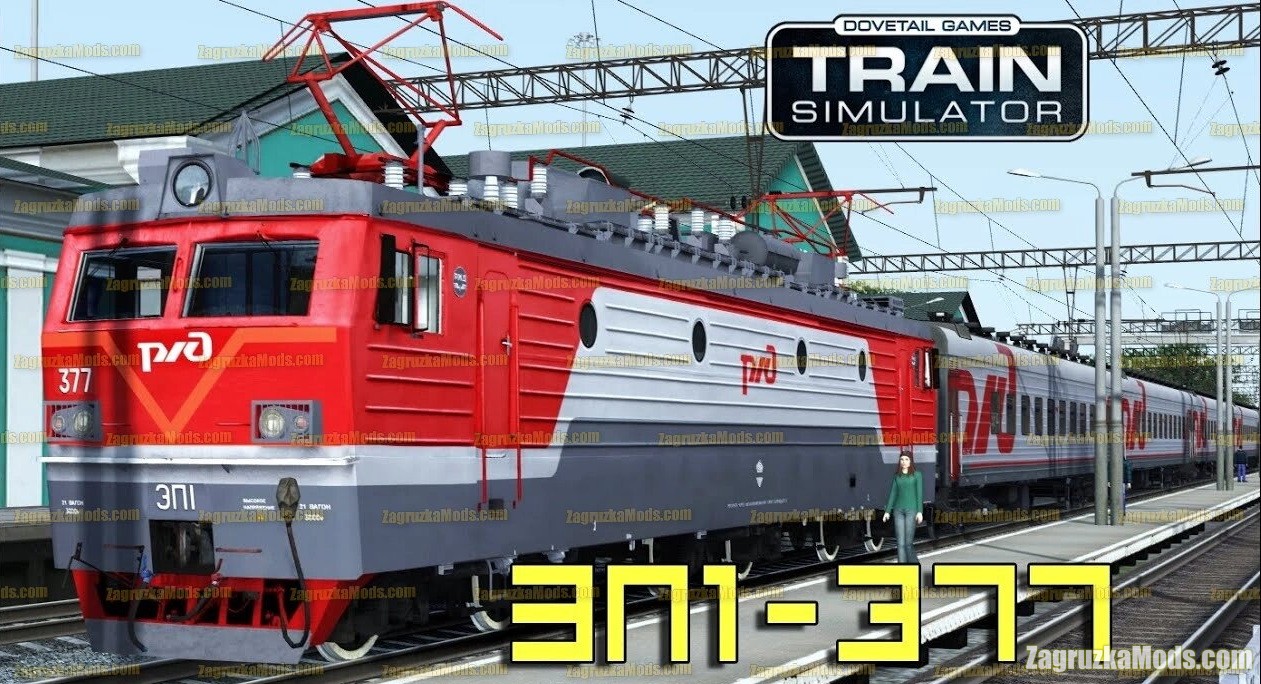
Electric locomotive EP1-377 v1.0 for TS 2020
Locomotives Train Simulator
Download mod Electric locomotive EP1-377 v1.0 for TS 2020 | Train Simulator 2020 game. Electric locomotive EP1-377 - this mod adds a high quality passenger electric russian locomotive for trains...
 TSC
TSC
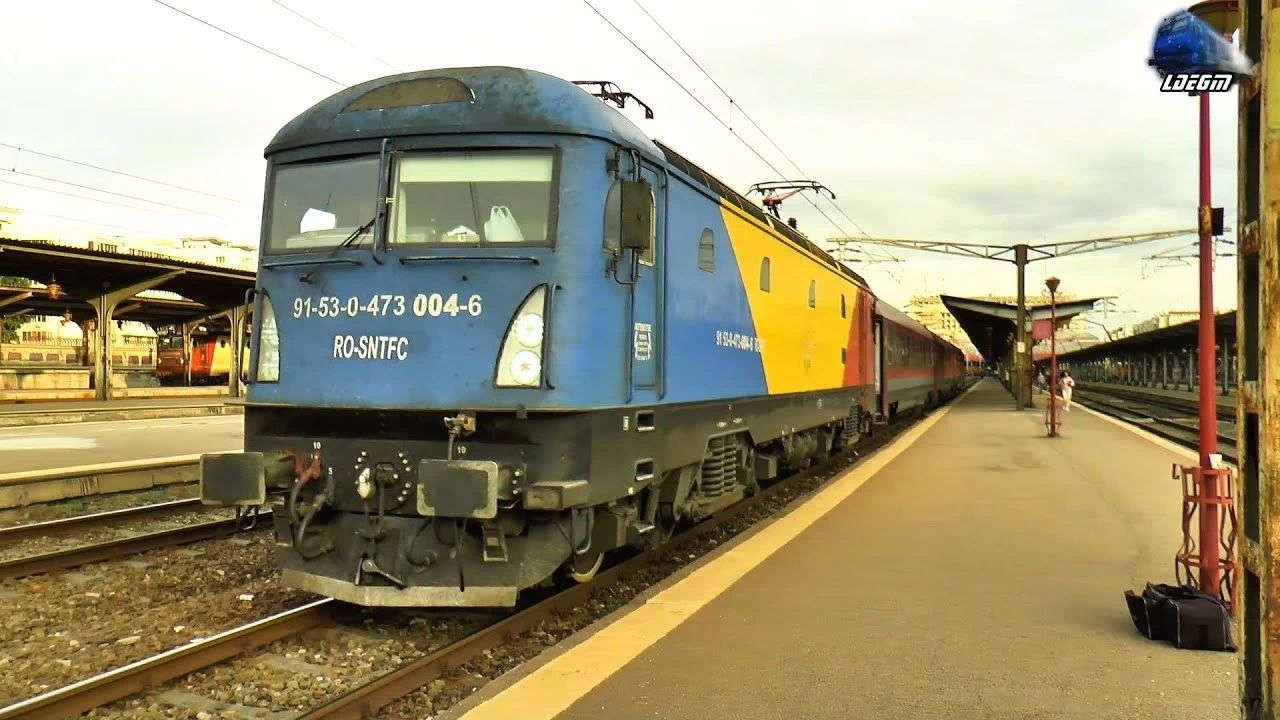
CFR Phoenix 41 Electric Locomotive v1.0 for TSC
Locomotives Train Simulator
CFR Phoenix 41 - is a series of electric locomotives built in Romania by Softronic. They are a modern and powerful locomotive used for passenger and freight transport. The Phoenix 41 is the first new...
 TSC
TSC
TSC Electric Locomotive EP2k v1.0 for Train Simulator Classic
Locomotives Train Simulator
Download mod TSC Electric Locomotive EP2k v1.0 for TSC | Train Simulator Classic game. EP2k - the mainline six-axle DC electric locomotive EP2K is designed for driving passenger trains on electrified...