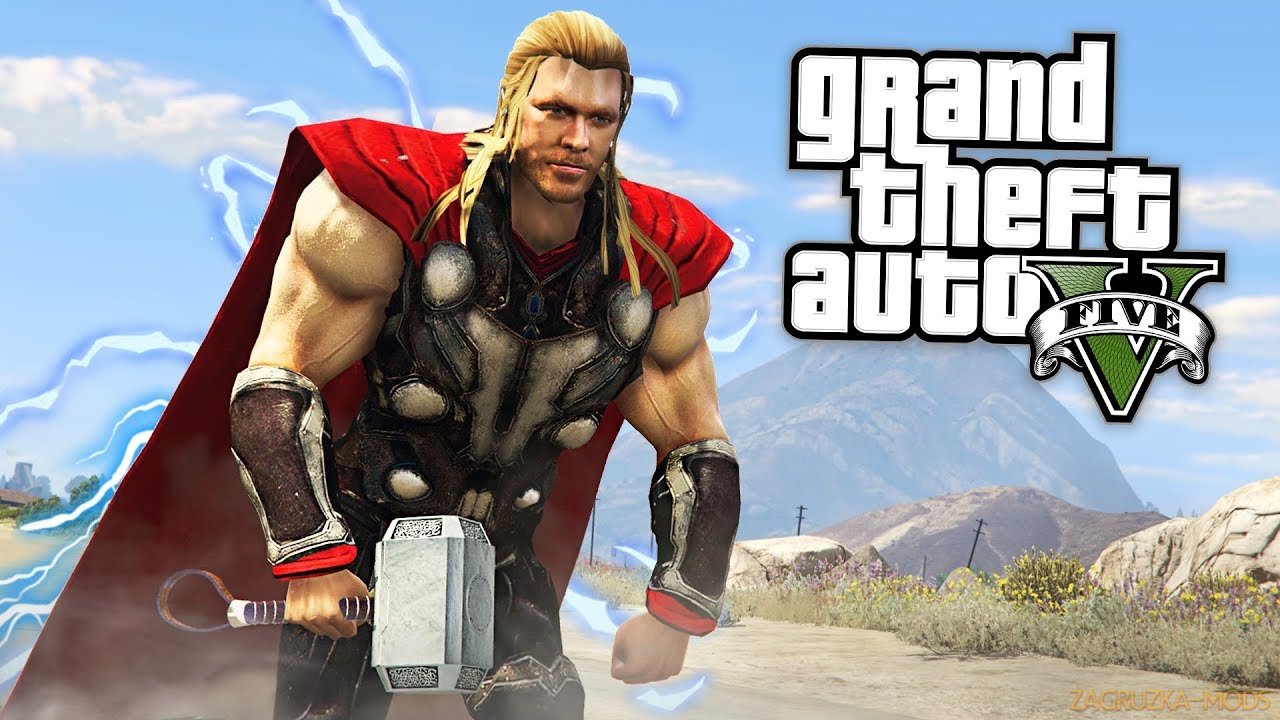
Download Thor Endgame Script Mod v1.1 for GTA 5 | Grand Theft Auto V game.
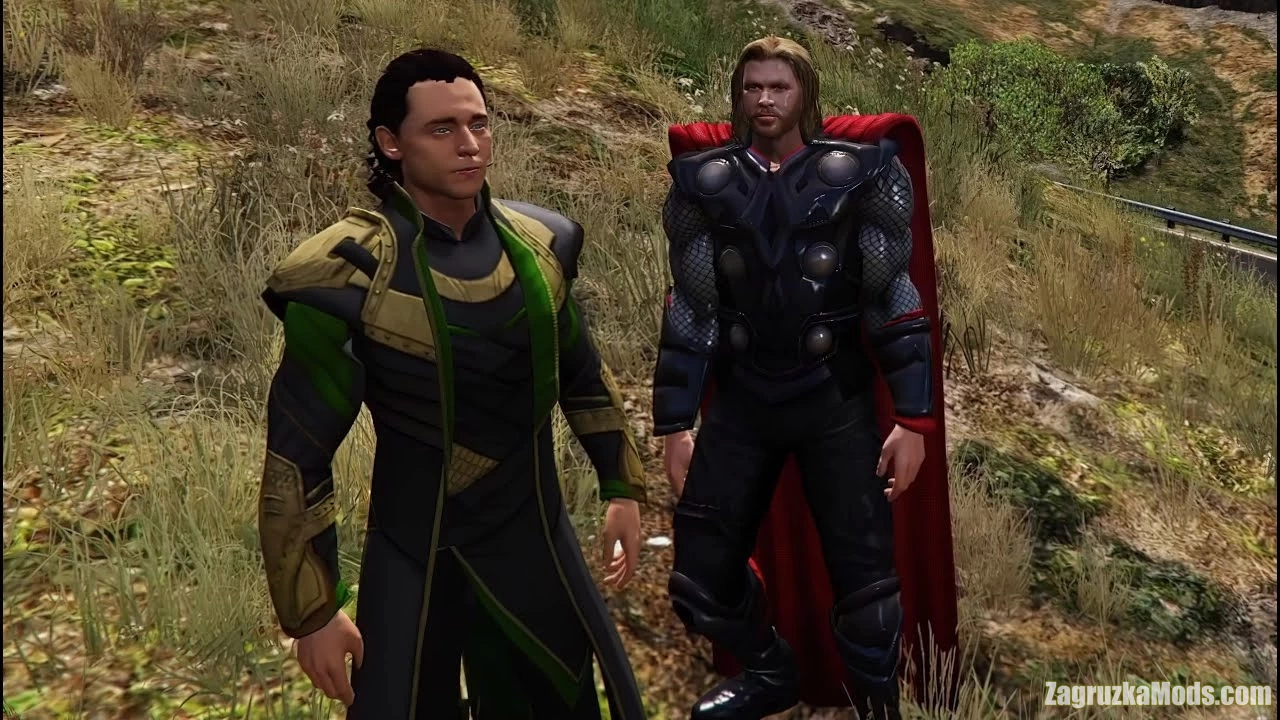
Thor Endgame - this modification adds a script mod inspired in recent movies and comic books for GTA 5 players.
Features Thor Endgame:
- Unarmed Melee attacks
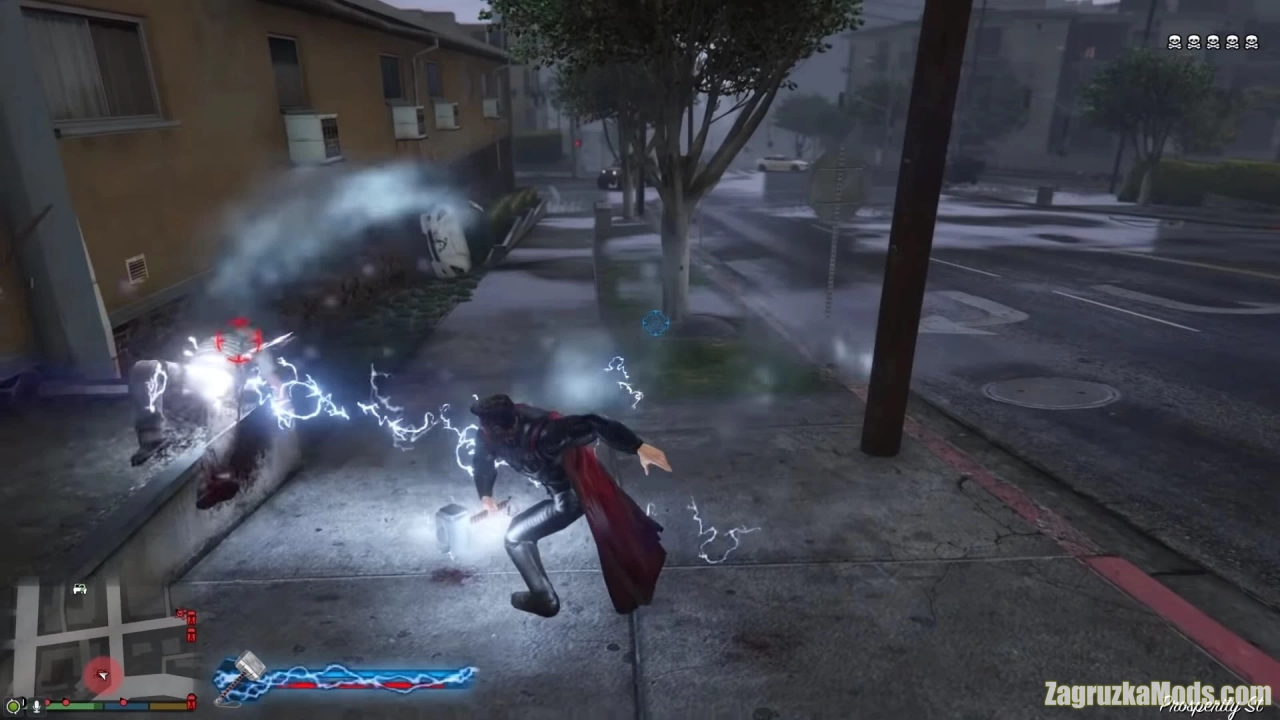
- Mjolnir Melee attacks
- Storm Breaker Melee attacks
- Dismemberment attacks
- Charged Melee attacks
- Flight
- Charged fast flight (Throw hammer)
- Energy effects in body and weapon
- Grab targets feature (enabled for peds only by default)
- Possibility to use Mjolnir and Storm Breaker at same time
- Throw weapon attacks
- Multiple target system for some attacks (Hold aim and click attack/special attack button, then release Aim to attack)
- Animated Power selection HUD with attacks preview in center
- HUD to select melee mode (enabled for controller only by default)
- Special attacks (Lightning attacks, Tornado, etc.)
- Mjolnir Melee attacks
- Storm Breaker Melee attacks
- Dismemberment attacks
- Charged Melee attacks
- Flight
- Charged fast flight (Throw hammer)
- Energy effects in body and weapon
- Grab targets feature (enabled for peds only by default)
- Possibility to use Mjolnir and Storm Breaker at same time
- Throw weapon attacks
- Multiple target system for some attacks (Hold aim and click attack/special attack button, then release Aim to attack)
- Animated Power selection HUD with attacks preview in center
- HUD to select melee mode (enabled for controller only by default)
- Special attacks (Lightning attacks, Tornado, etc.)
Changes in v1.1:
- Improved script performance
- Improved giants targeting
- Improved giants targeting