Download Awesomekills Graphics v1.3 for GTA 5 | Grand Theft Auto V game.
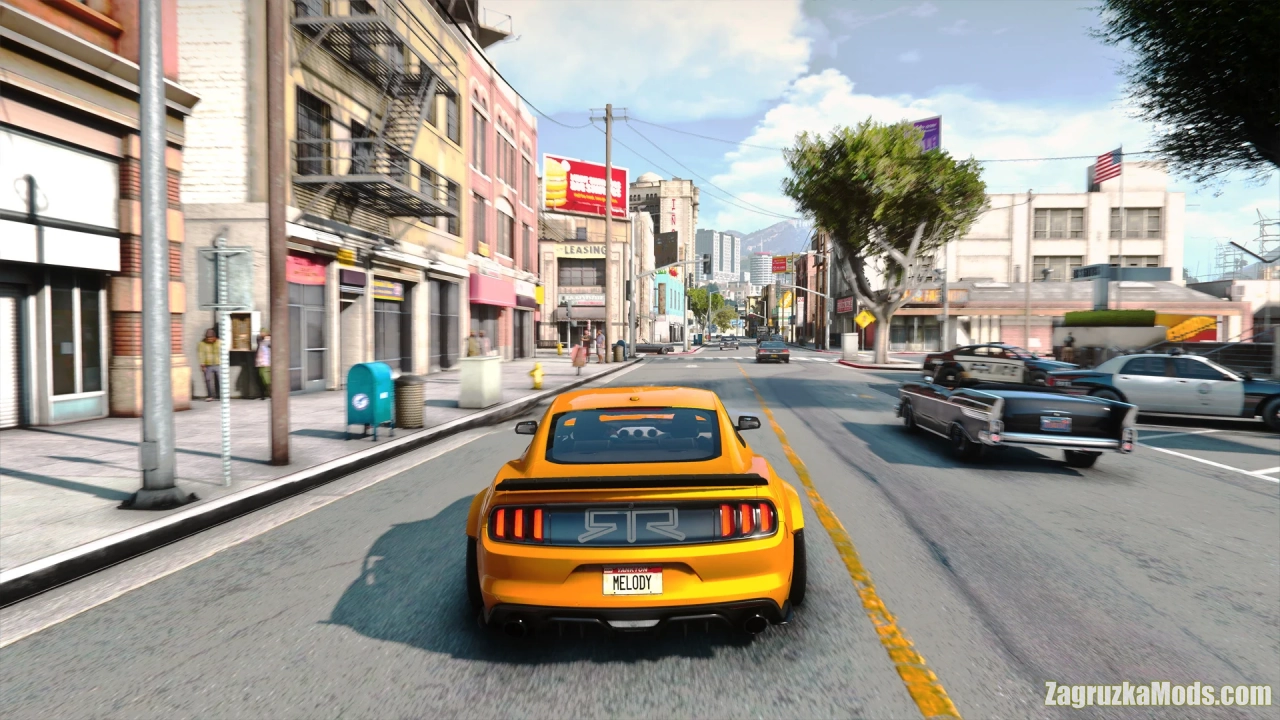
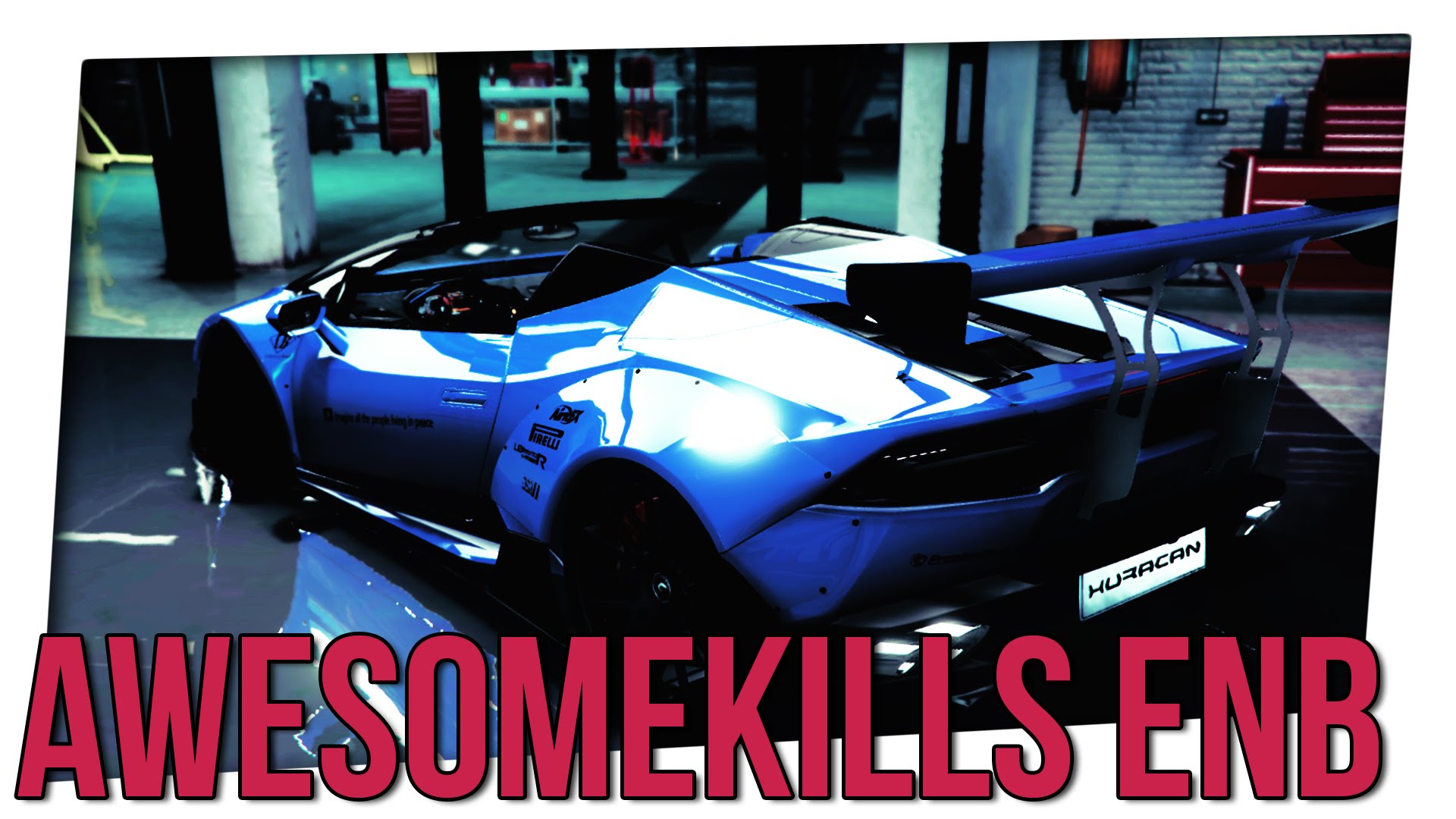
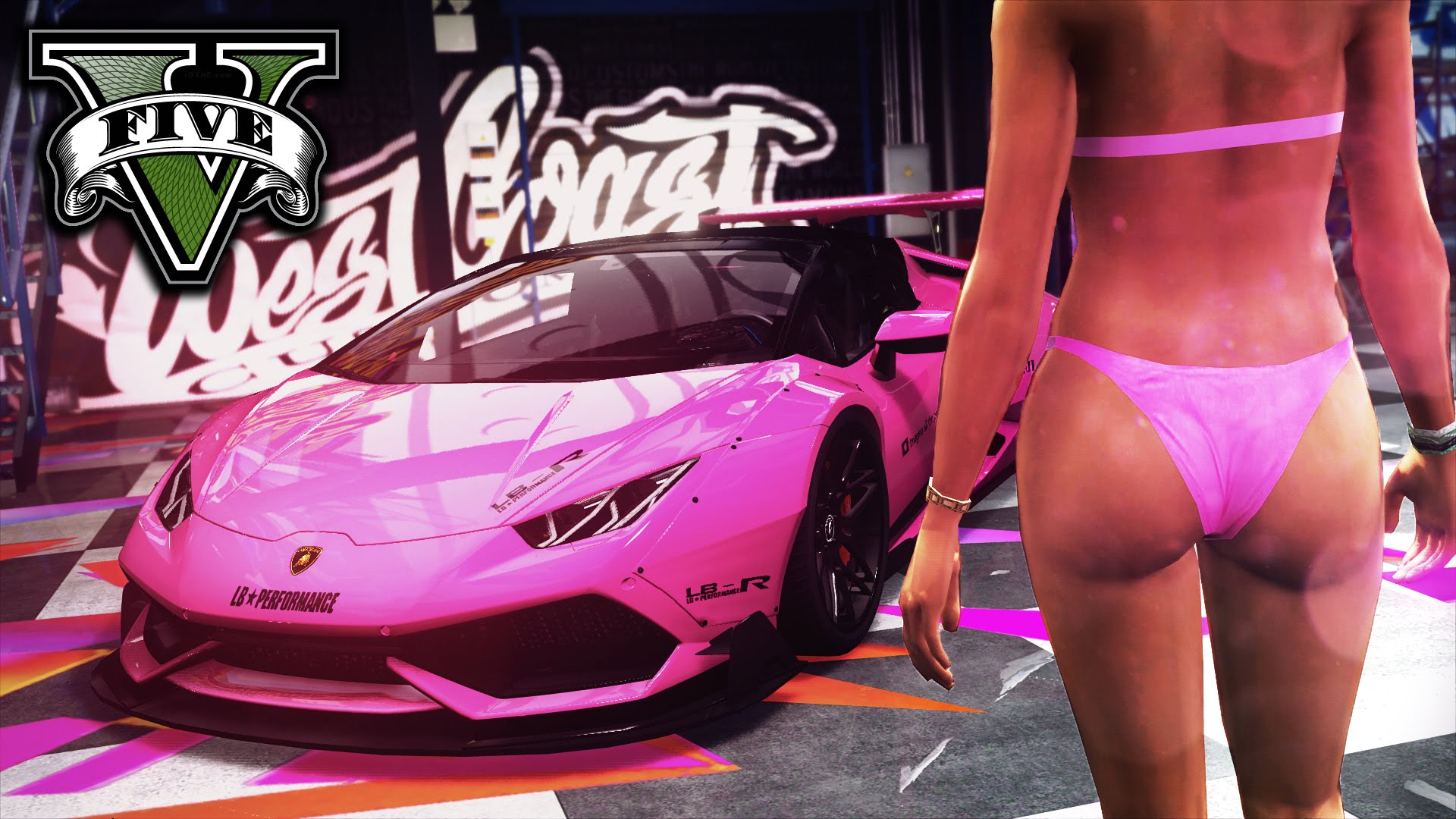
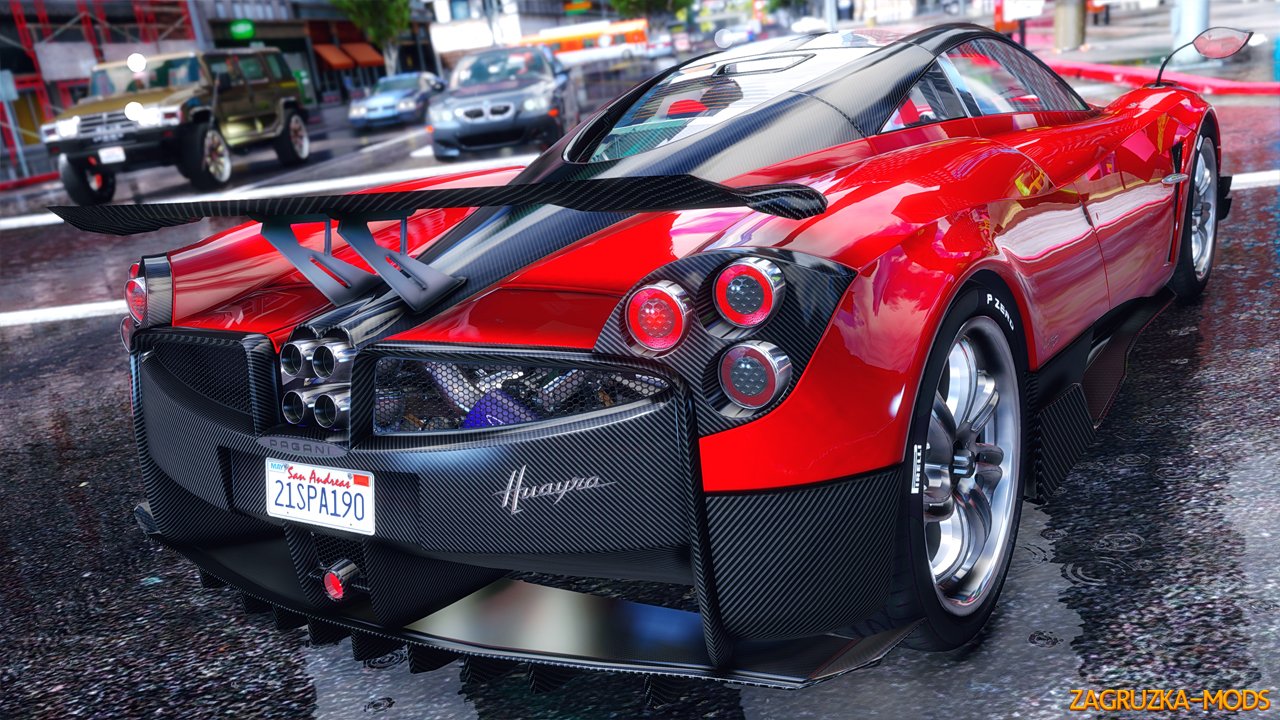
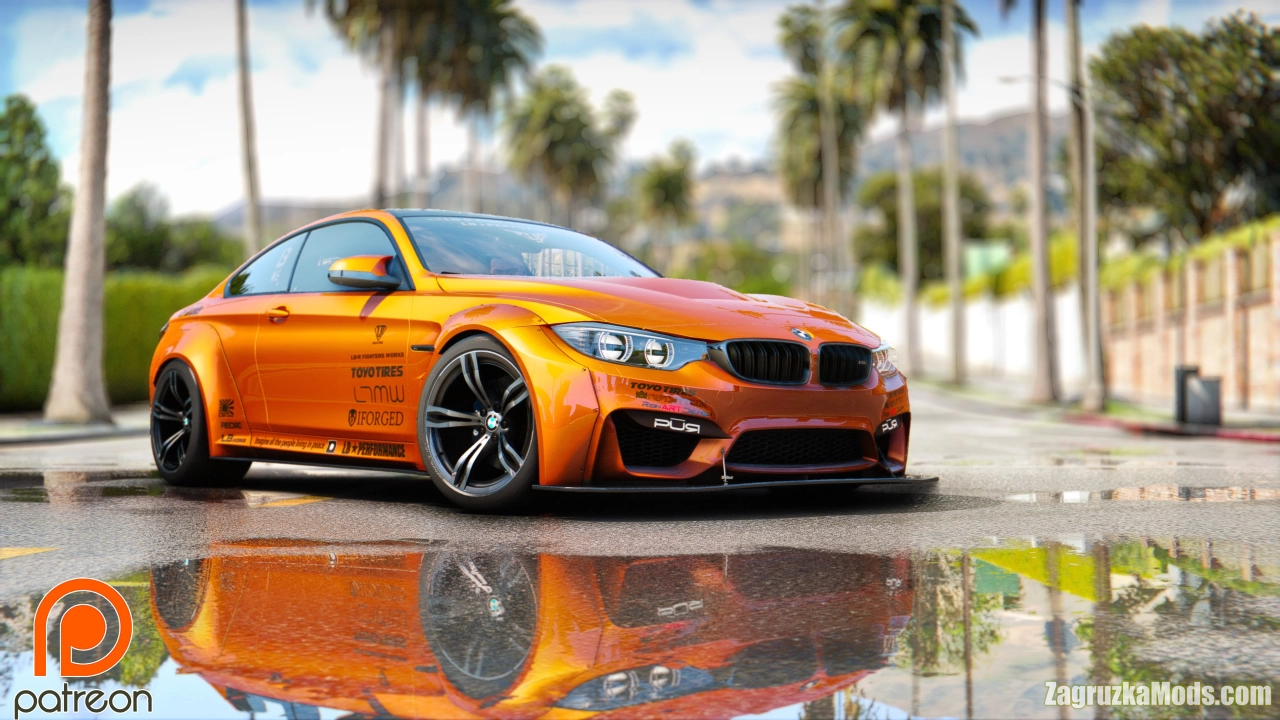
Awesomekills Graphics - this is the final version of the mod that changes the graphics in the GTA V game. This modification includes a new timecycle (timecyc), as well as beautiful shaders that will significantly change the look of your game, adding more visual realism to it. This is combined graphic mod which includes end, reshade, timecycle modifyed and some other file changes.
Changes in v1.3:
- Sky, clouds improvements
- Colours, gamma changes
- Some enb settings tweaked
- Colours, gamma changes
- Some enb settings tweaked