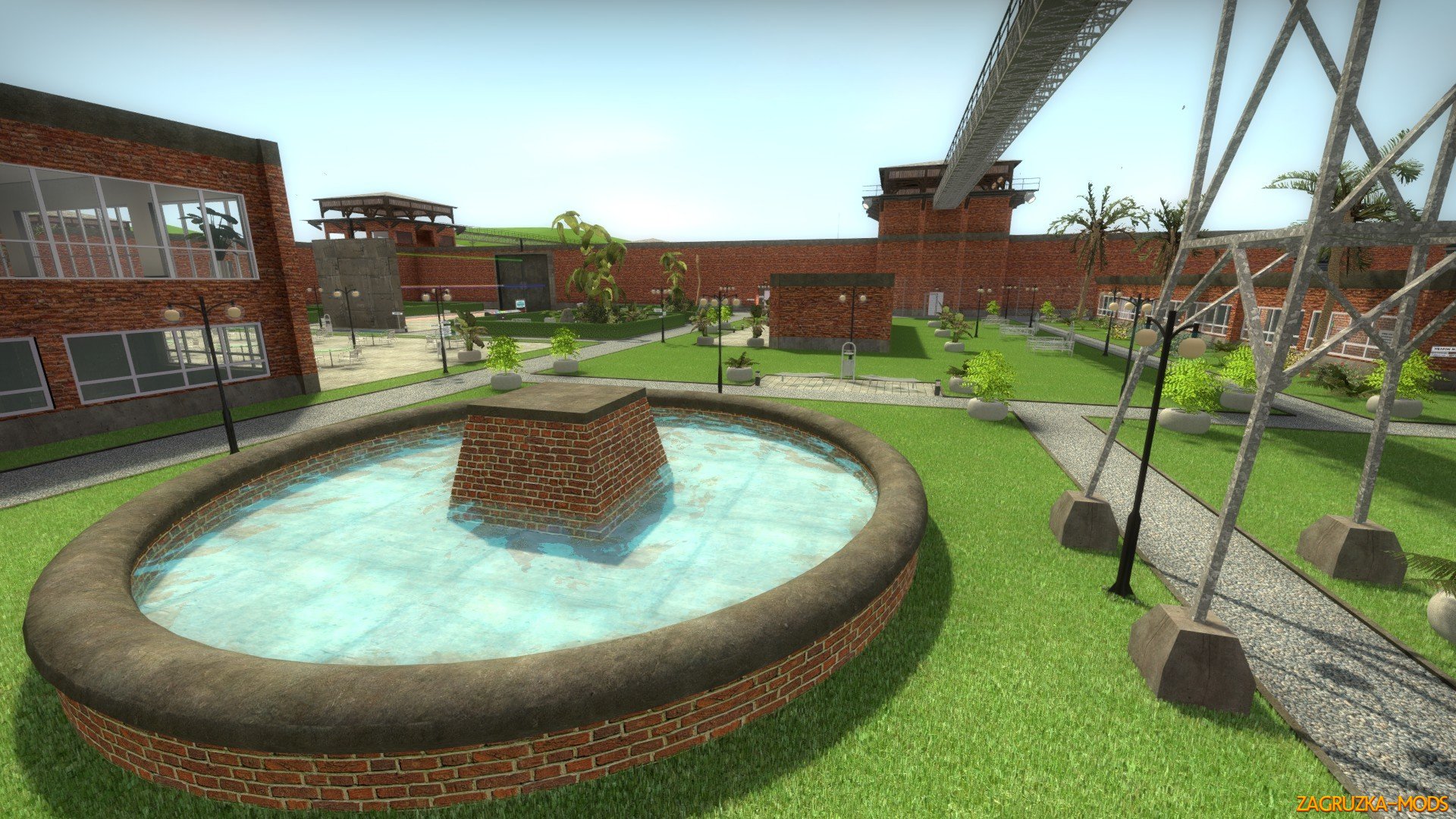
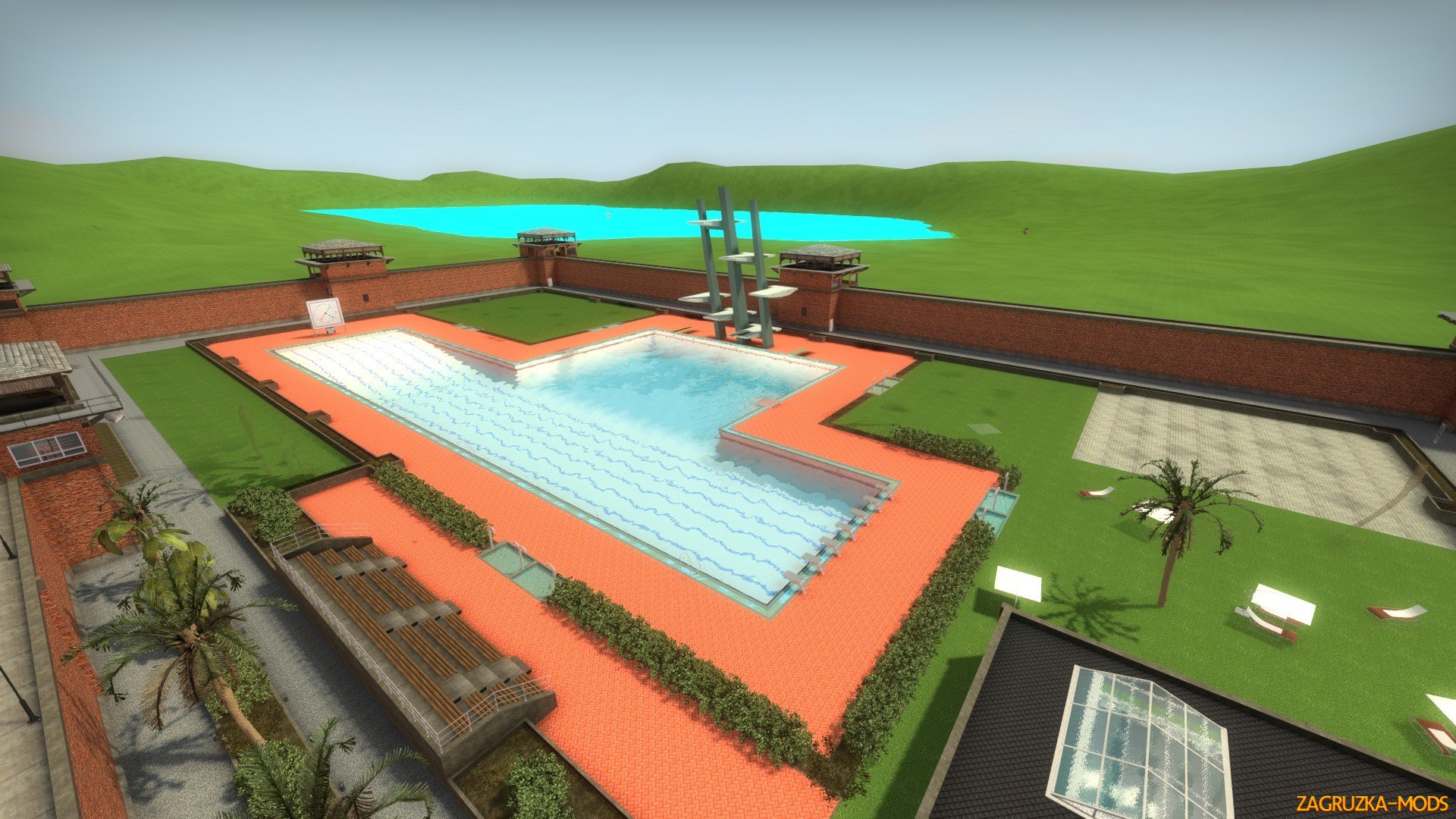
A prison located somewhere on a paradise island.
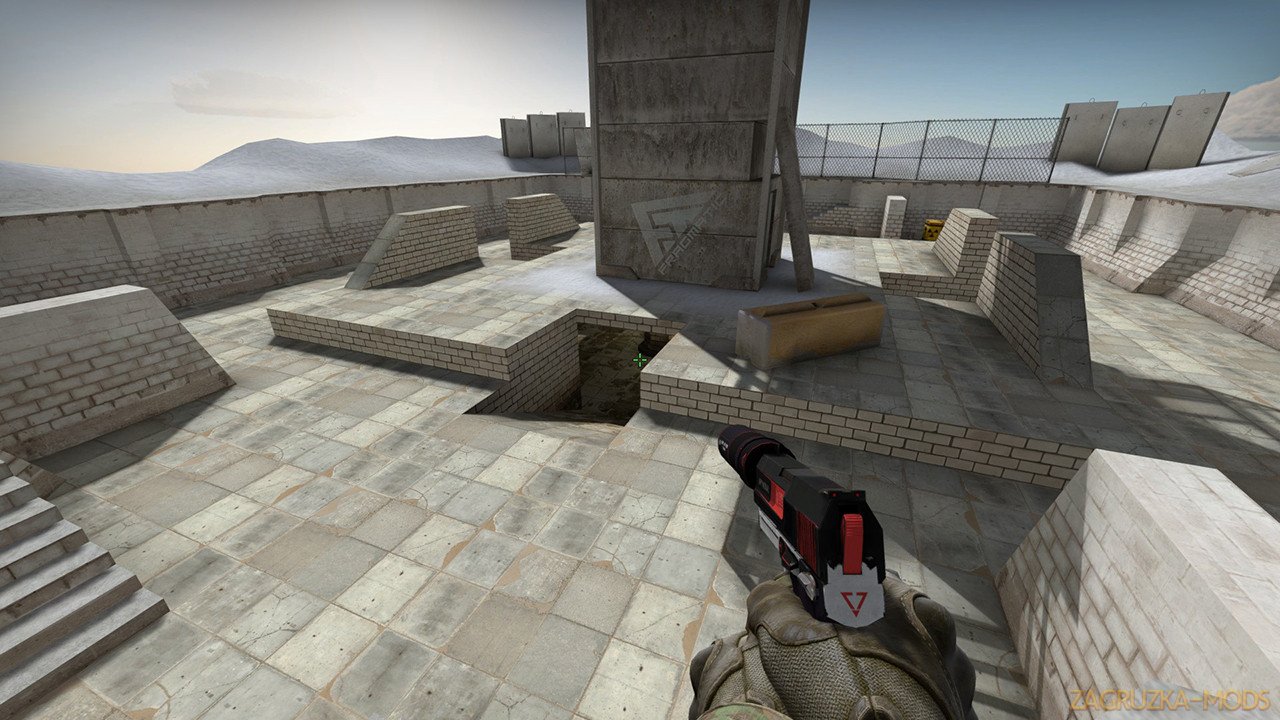
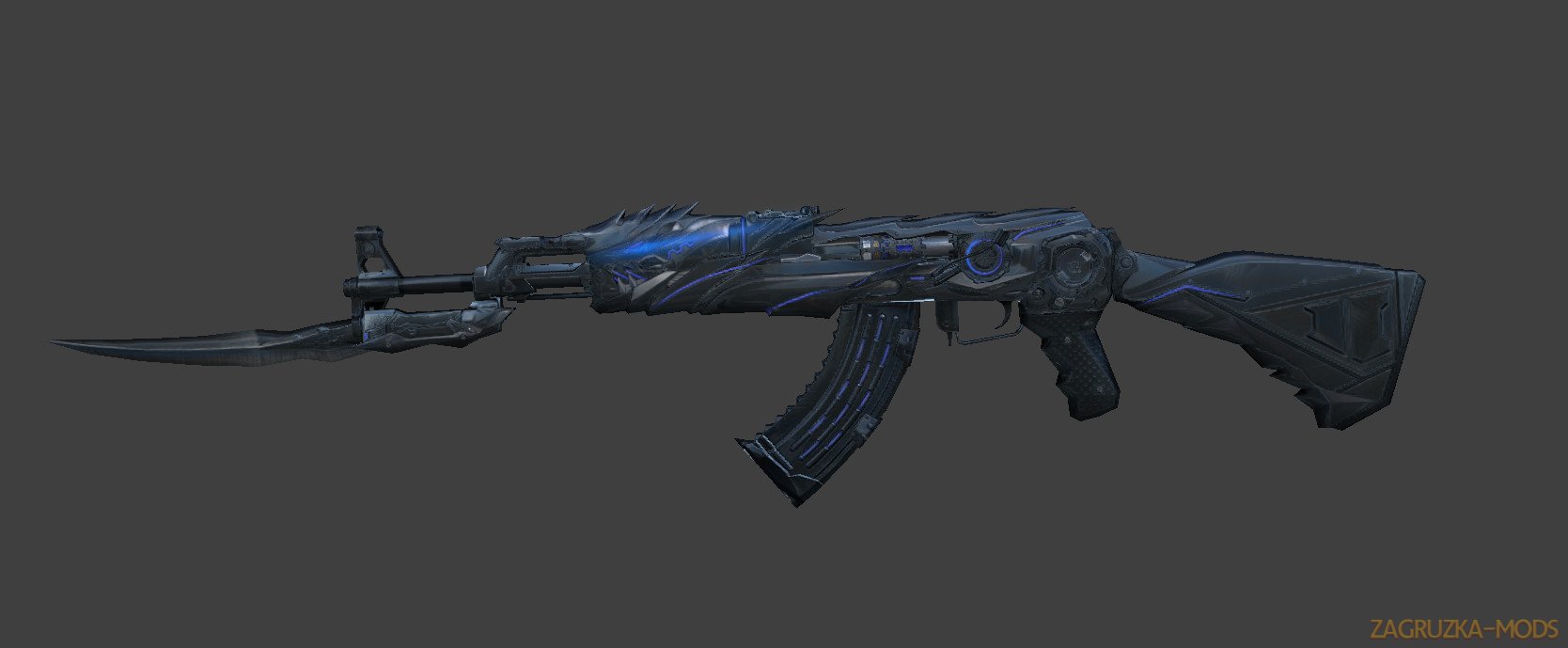
This is a map for the jail-mod in Counter-Strike: Global Offensive.
A polished version of the early concept map at the development stage from 2009 can be found here:
This is not a standard jail map where you can find ventilation-shafts and other secret ways to get to weapons. You have to get keys from your guards in order to get in their armoury or other security-doors.
Prisoners can win the round by escaping the prison.
Beta 4:
- added phong shader to some materials
- lowered prop fading distances to get more FPS maybe
- modified some foliage models to see dynamic shadows on it
- changed projectname to jb_bloodbath
- some visual and technical updates
Features
- 10 minigames (7 minigames outside + 3 minigames in the underground, not many activities, but hopefully high quality functions)
- Deathrow (with working electric chair) (Picture 1) (Picture 2)
- Infirmary (heal zone) (Picture)
- Lounge (Picture)
- Main building (Picture) - Each of the 22 jails can be opened separately and together
- Armoury at CT-spawn
- Everyone who has a key can open savetyrelevant doors (a CT without key can't, but a T with key can,...)
- Fully free accessible premises (except the shootingrange and roulette house, because of securityrelevant doors)
- enterable security towers around the wall
- Catwalks for a better overall view
- about 450 custom made models
- nearly only custom content used
Minigames
- Soccer (Picture)
How to play:
Assuming you know how to play soccer, the "reset"
button will reset the soccerball and the score. - Pool (diving platform for 3, 5, 7.5, 10, 15 and 20 meters) (Picture 1)(Picture 2)
How to play:
Use the arrows to raise and lower the floor. - Simonsays (Picture)
How to play:
Assuming you know how to play Simonsays, open or
close the windowed door with the referencing button. - Car Derby (Picture 1)(Picture 2)
How to play:
Before you can enter a car, you have to select one
of the gamemodes at the console, which are explained
below. You can change the gamemode
after pressing "STOP" on the main console, it will also
reset the minigame.
Enter a car by pressing the colored button on one
of the small consoles.
Once you are in a car, you have to wait 2 seconds until
the engine runs.
Then drive with the movement keys (default W,A,S,D).
Fire (default left mouse button) gives you some more
speed (only forward).
Reset your car into the garage while pressing the
right mouse button.
This function is disabled in the gamemode "Last wins".
"FREE DERBY": You can enter a car whenever you
want, until stopped. Reset is available.
Getting out and in again
will reset your car, too.
"LAST WINS": Select and press "START" to begin the
countdown. When the countdown has expired, the
derby begins and you can't get in a car anymore.
Reset is disabled. You can get out of your
car, but it's disabled then. - Shot for Shot (Picture)
How to play:
Arrange at the line you want to shoot, free sight or
blocked. One player stand in one unit, the rival in
the other unit. Before you start, you may set your
shooting distance by pressing the referenced button
on the console.
Then go in position - you may shoot alternating,
because that is the reason why this game is named
"Shot for Shot".
If you need a weapon, go to the small armoury of
this game to get a Deagle and/or an AWP.
A CT may open it
When a CT orders to put the weapons away,
be sure to use the devices to do so! - Shotgun Roulette (Picture)
How to play:
Press "Start" and the shotgun will rotate until
it stops after a random time and shots the
player(s) who are standing in the shotguns
line of fire.
Remember this is a shotgun! - Shootingrange (Picture)
How to play:
As first the complete shootingrange has to be enabled
by a CT. Then he has to enable all stages where to be
shot. Enabling is the green button, red is disable.
Disabling the complete shootingrange will disable all
stages, too.
Once at a stage, there are weapons, a reset-button
and 3 buttons for moving the target to a specific
distance.
If you don't have a weapon right now, you may take one.
Then press "reset" to spawn your target. You can move
it to a specific distance with the 3 buttons, they are
defining the distance from you to the target in
mectric meters.
When a CT orders to put the weapons away, be
sure to use the devices to do so! - Race (Picture)
How to play:
First time you press "Start", clips will be enabled and
players will be teleported out of the trails, second time
enables a countdown, where you have to go the
start of one of the racing tracks. After the countdown
has expired, you cannot enter a track anymore. The
first player who gets to the finish will be rewarded
by one point. - Disco (Picture)
How to play:
Play a song by selecting one of them using the
arrows and pressing on the song's number. You
can stop a song by pressing on the button for the
same song again.
Enable some more action by
pressing the "ball" button. - Beam Jump (Picture)
How to play:
It's nearly the same as "Rope Jump", but this time
with lasers. You can select the lasers you want to
jump by on the console, eg. 4 beams or just one. The
rotate will raise its speed infinitely variable,so there will
no sudden speed change, you can watch the slider on
the console to see the speed increase.
The how to play descriptions are placed in the map (at the referencing game) as well.
Some things from the to do list:
- more detailed 3d-sky
- better bar at the disco
- volumetric light props
- night version
- Detail overlays
- General bug fixing...
When you put this map on your server, these commands are very necessary:- cs_enable_player_physics_box 1- phys_pushscale 20- mp_weapons_allow_map_placed 1- net_maxfilesize 500
optional:
- mp_warmuptime_all_players_connected 0- mp_warmup_end- mp_freezetime 3
roundtime as per server (I think the best would be between 5-10 minutes, but does not have to be respected)
To all players who want to play this map on a server: make sure you have
- maxdownloadfilesizemb 500 in the startoptions for your CS:GO
Please write in the comments, what I should improve. (preferably after playing the map ;D)
I'm sorry about the huge file, but this map is using very much custom content. I've tried to get this smaller, but I can't get it in the moment.