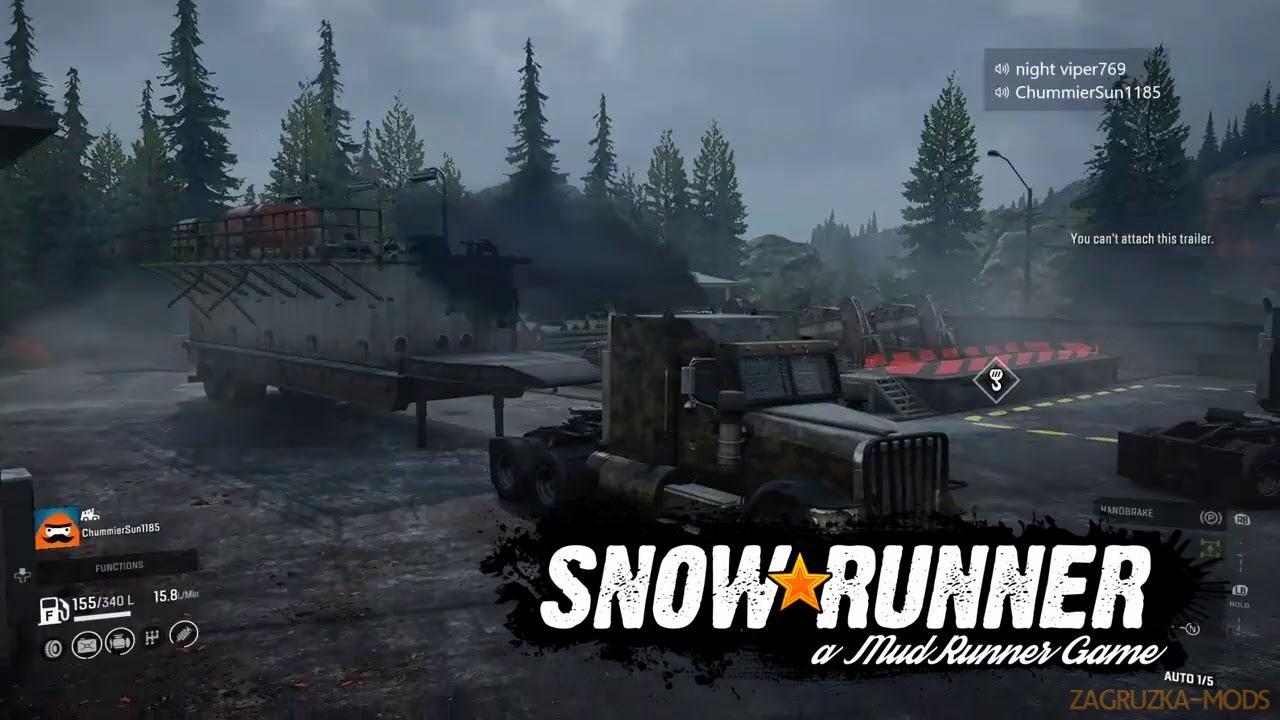
Download program Snowrunner Mod Installer v1.1.1 for SnowRunner game.
Snowrunner Mod Installer - Mods can now be installed by all SnowRunner users. And licensors and pirates! With this program, you can install any modification with mods io. Below is a detailed instruction on how to do it.
Features Snowrunner Mod Installer:
- program which allow to install easy mods for original game and cracked version;
- requires a new account on: https://mod.io/ website;
- russian language on program used.
Configuring
1. Select a save folder
2. Enter your email address with which you registered mod.io
3. Get API key from mod.io (follow the link from the status bar below)
4. Insert the API key
5. Click the "Get Email Code" button
6. Check your email for a one-time code
7. Insert the one-time code that you received by email
8. Click the "Get a new token" button
a. if everything is ok, you will see the filled token fields and the token expire
9. Click "OK"
Using
1. Click the "Show Signed" button to populate the list with mods from mod.io
2. You can either:
a. Click the "Install" button on each of the listed mods
b. Click the "Install All" button to install all signed mods - it will take a long time
depending on how many and how large they are
3. Somethimes game will break the file on startup,
so you may have to click the "recover files" button to restore it
(the file is called "base \ Mods \ .modio \ installed_mods.json format")
1. Select a save folder
2. Enter your email address with which you registered mod.io
3. Get API key from mod.io (follow the link from the status bar below)
4. Insert the API key
5. Click the "Get Email Code" button
6. Check your email for a one-time code
7. Insert the one-time code that you received by email
8. Click the "Get a new token" button
a. if everything is ok, you will see the filled token fields and the token expire
9. Click "OK"
Using
1. Click the "Show Signed" button to populate the list with mods from mod.io
2. You can either:
a. Click the "Install" button on each of the listed mods
b. Click the "Install All" button to install all signed mods - it will take a long time
depending on how many and how large they are
3. Somethimes game will break the file on startup,
so you may have to click the "recover files" button to restore it
(the file is called "base \ Mods \ .modio \ installed_mods.json format")
Tested on game version v10.0