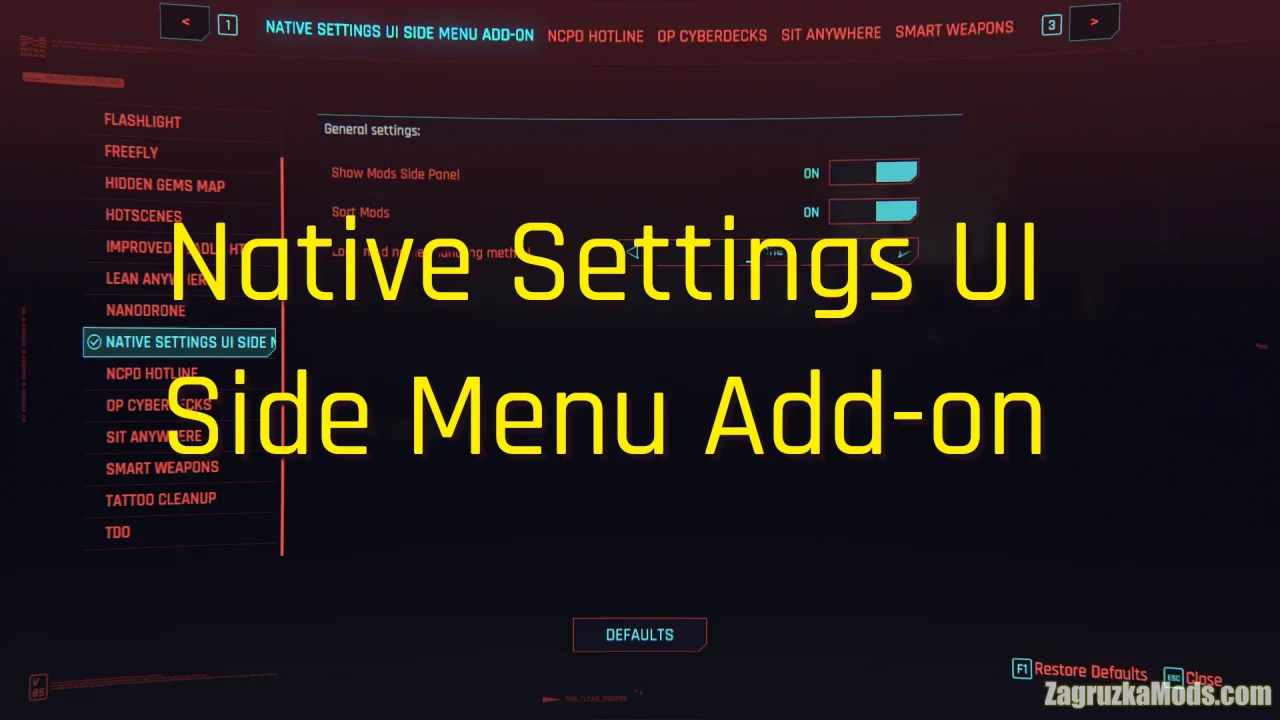
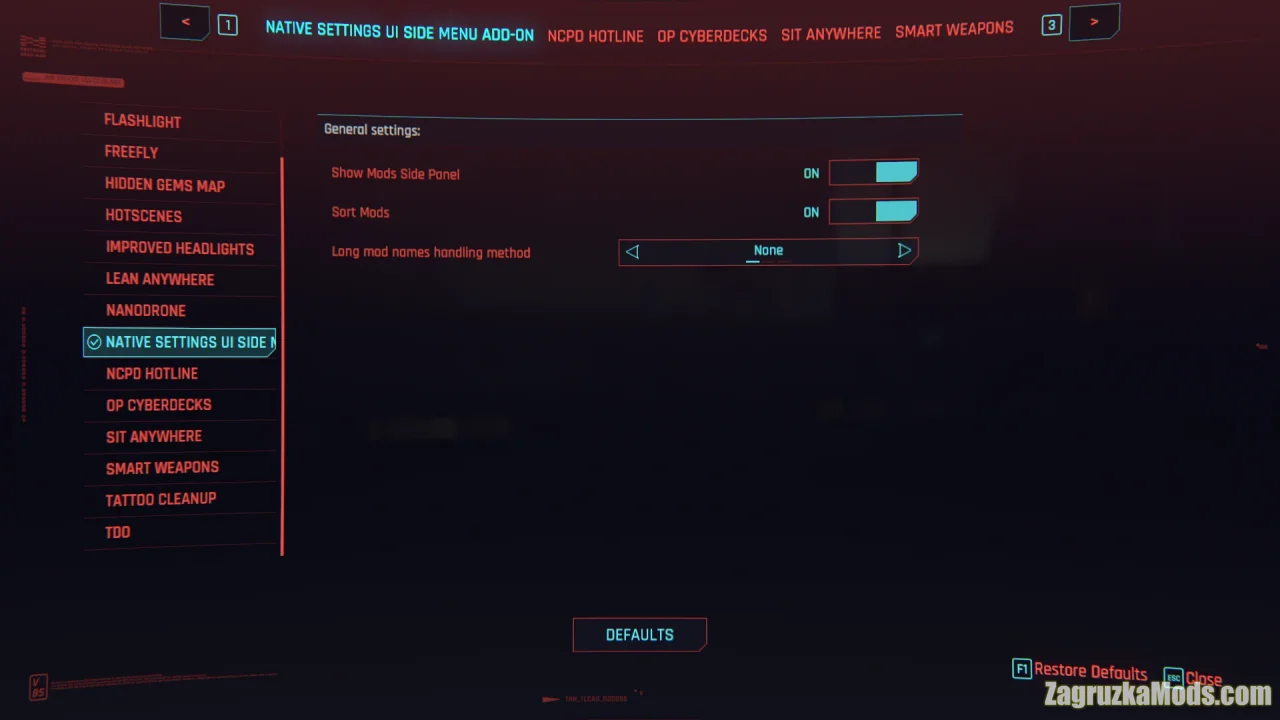
Native Settings UI Side Menu Add-on for Cyberpunk 2077 - this quality-of-life mod adds a convenient side menu to the Native Settings UI, providing a vertically ordered list of mods for much easier and faster navigation through long mod settings lists.
Features of Native Settings UI Side Menu Add-on:
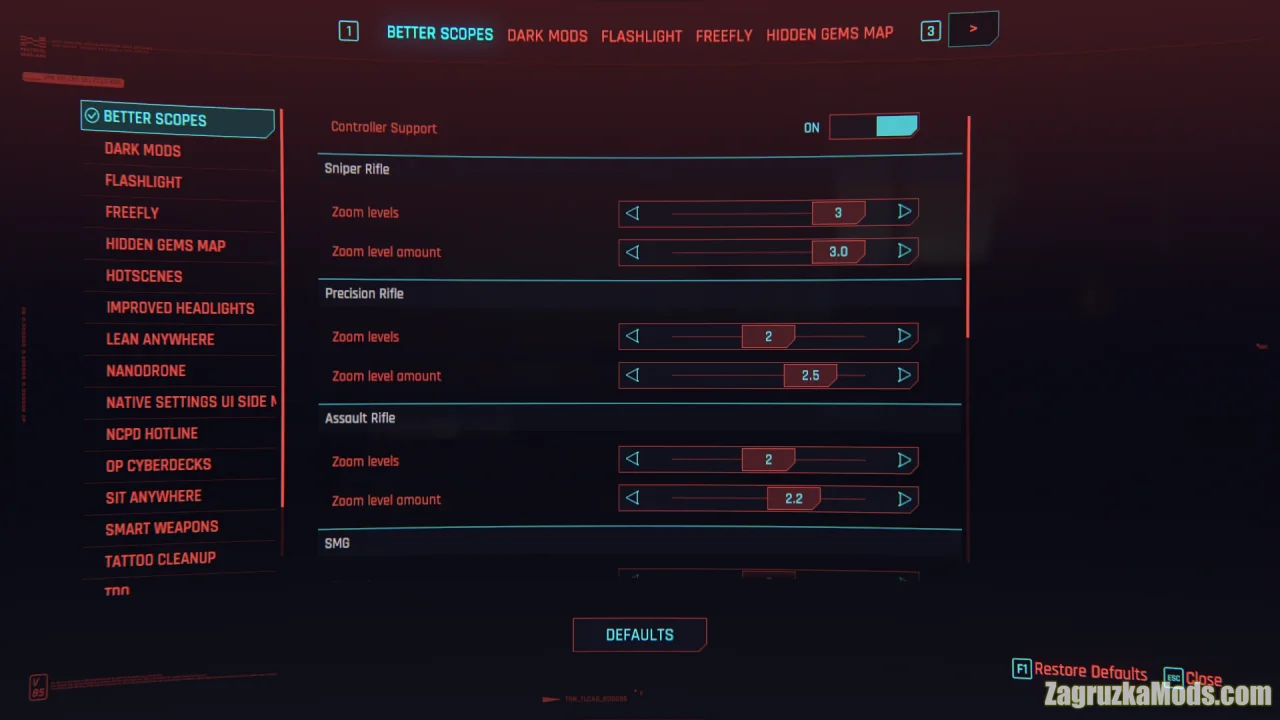
– Side menu with a vertically ordered list of mods
– Easier and smoother navigation through lengthy mod lists
– Option to enable or disable mod sorting
– Option to enable or disable the side panel
– Alphabetical sorting support
– Cleaner and more organized settings experience
– Requires Cyber Engine Tweaks and Native Settings UI
– Codeware recommended for full feature support
– Compatible with game version 2.0 and higher
Tested on game version v2.3.x
Native Settings UI Side Menu Add-on v1.5.1 for CyberPunk 2077
 Available
About this Mod

Last edited by: admin - 12-08-2026, 20:25
Reason: Mod Updated to v1.5.1
Reason: Mod Updated to v1.5.1
Changes in v1.5.1:
- Runtime execution optimizations - save a few microseconds here and there during mod code execution.
Changes in v1.3.2:
- Fixes an external library code dependency issue that would disable the mod if the shared code was missing.
- Runtime execution optimizations - save a few microseconds here and there during mod code execution.
Changes in v1.3.2:
- Fixes an external library code dependency issue that would disable the mod if the shared code was missing.
📦 native-settings-ui-side-menu-add-on-v1_3_2.zip | 🔄 Downloads: 16 | 📏 Size: 32.84 Kb
Download Links – Policy & Disclaimer
All download links on this page point to third-party hosting platforms (e.g. ShareMods, ModsFire, ModsBase and similar trusted mod hosters). Links are reviewed at the time of publishing, but we cannot guarantee the permanent availability or content of external websites.
- All mods listed here are checked for malware before being published.
- We are not responsible for ads or additional content shown on third-party sites.
- If a link is broken or leads to incorrect content, please contact us and we will update it promptly.
- To request removal of a link, contact the admin. Removal is at our discretion unless required by law.
By downloading, you confirm you have read and agree to our Terms & Conditions.
 Previous ModNova LUT 4.0 (AgX - New HDR) v4.0 for CyberPunk 2077View previous mod details
Next ModImmersive Third Person - Best Of Both Worlds v1.2 for CyberPunk 2077View next mod details
Previous ModNova LUT 4.0 (AgX - New HDR) v4.0 for CyberPunk 2077View previous mod details
Next ModImmersive Third Person - Best Of Both Worlds v1.2 for CyberPunk 2077View next mod details
Related ModsSimilar Mods to try


 v2.3.x
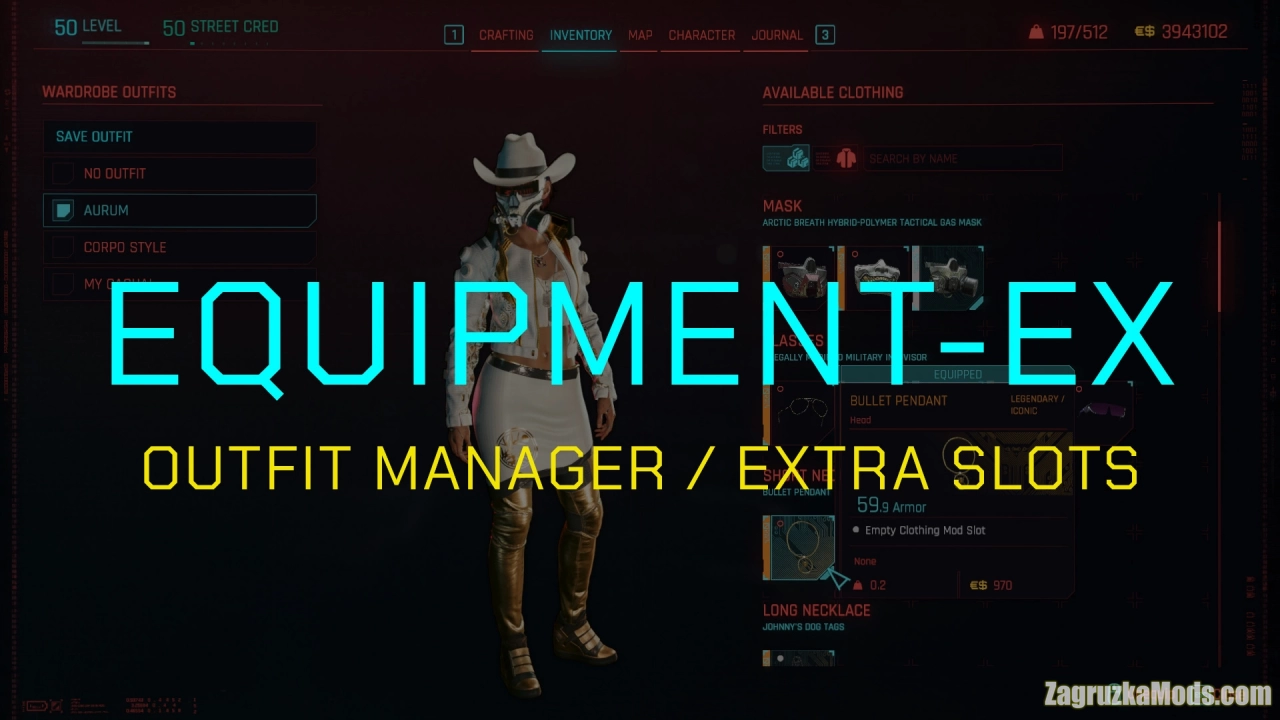
Equipment-EX (Outfit Manager) v1.2.9 for CyberPunk 2077
Cyberpunk 2077 Mods
Equipment-EX CyberPunk 2077 - is a highly advanced and customizable feature added to the game from the author ,,psiberx and DJ_Kovrik". It serves as a comprehensive system that allows players to...
 v2.3.x
Plymouth GTX 426 HEMI v1.0 for CyberPunk 2077
Cyberpunk 2077 Mods
Plymouth GTX 426 HEMI for Cyberpunk 2077 - this mod adds a fully standalone 1971 Plymouth GTX 426 HEMI muscle car to Cyberpunk 2077 players as a classic American muscle vehicle, perfect for cruising...
 v2.3.x
Virtual Atelier v1.6.3 for CyberPunk 2077
Cyberpunk 2077 Mods
🛍️ Virtual Atelier by Pacings for Cyberpunk 2077 - this mod brings a fully functional, in-game virtual store system that lets you browse, preview, and purchase clothing, cyberware, weapons, vehicles,...