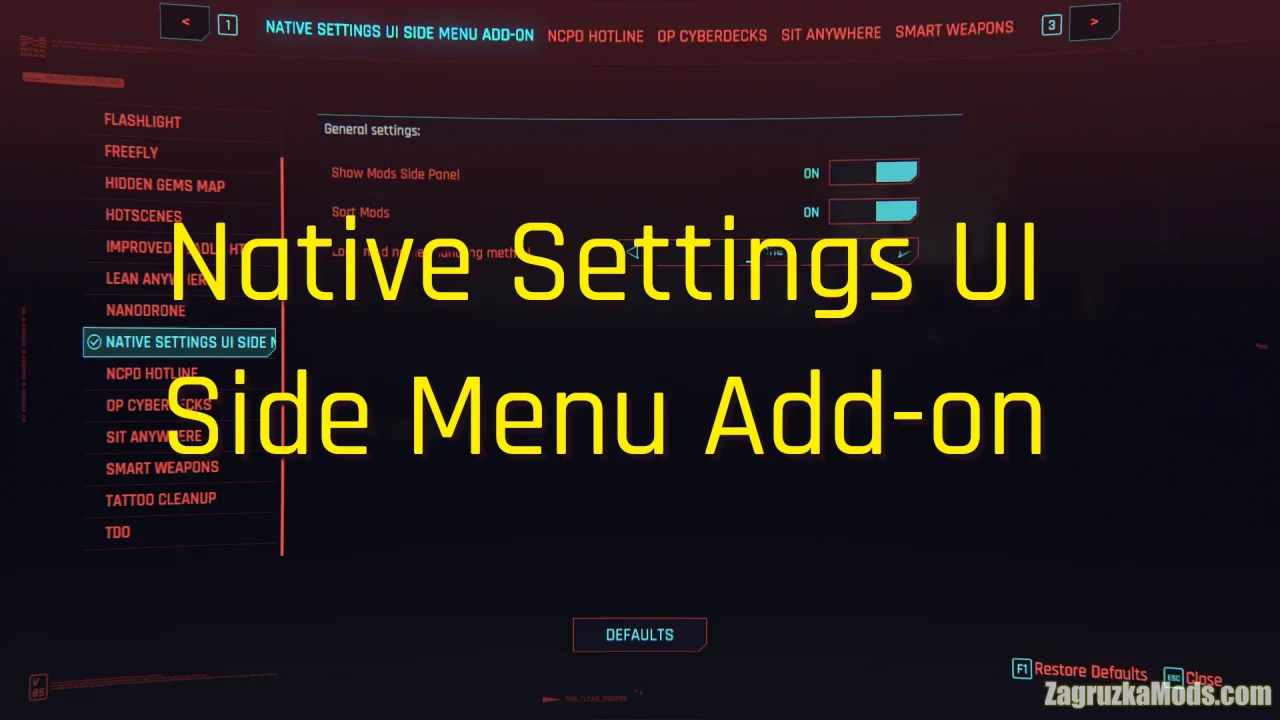
Mod Configuration Menu (MCM) for Fallout 4 - is a settings page for mods! It provides a central location for mod configuration, accessible via the Pause menu. ModSettings are stored in per-mod INI files under Data\MCM\Settings, making it easy to backup and restore settings and even change them outside the game if so desired should the mod support it.
Features Mod Configuration Menu (MCM):
- Configure more aspects of your mods than ever before - the MCM provides a range of controls such as checkboxes, steppers, dropdowns, sliders, buttons, text, and keybinds.
- Optimized for PC. The MCM steps far beyond what is allowed for consoles.
- No ESM/ESP. The MCM does not count towards your load order.
- Save-safe. The MCM never sinks its teeth into your savegame - any modifications, as with most F4SE plugins, are done in-memory.
- File-safe. No vanilla forms or files on disk are overriden. The MCM is completely standalone.
- Hotkey support and conflict detection. Assign hotkeys to mod actions to activate them on-the-fly.
Changes in v1.11.221:
- updated for Fallout 4 game version 1.11.221 (AE may update)

Tested on game version v1.11.221+