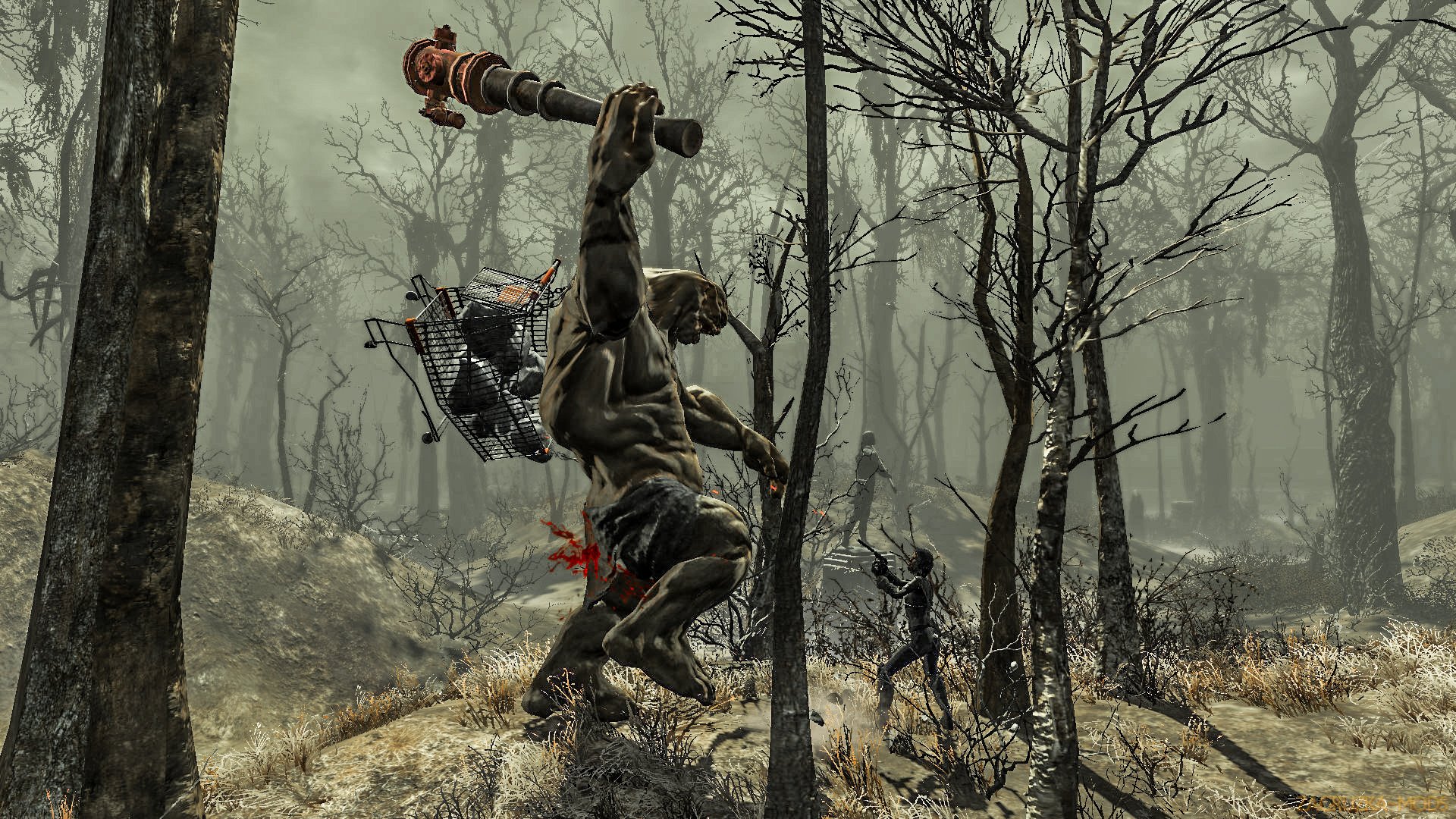
Remote Explosives - C4 with Detonators and More v1.0 for Fallout 4 game.
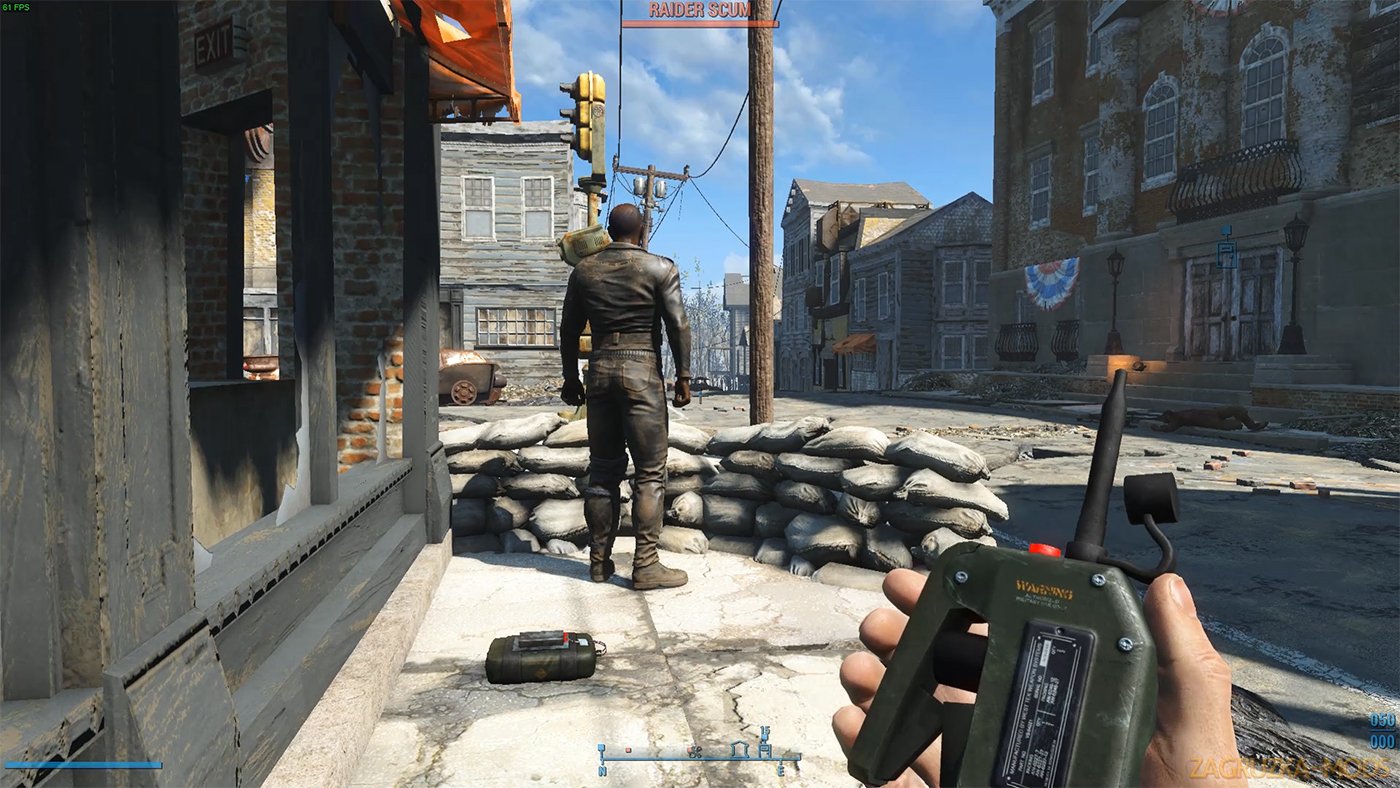
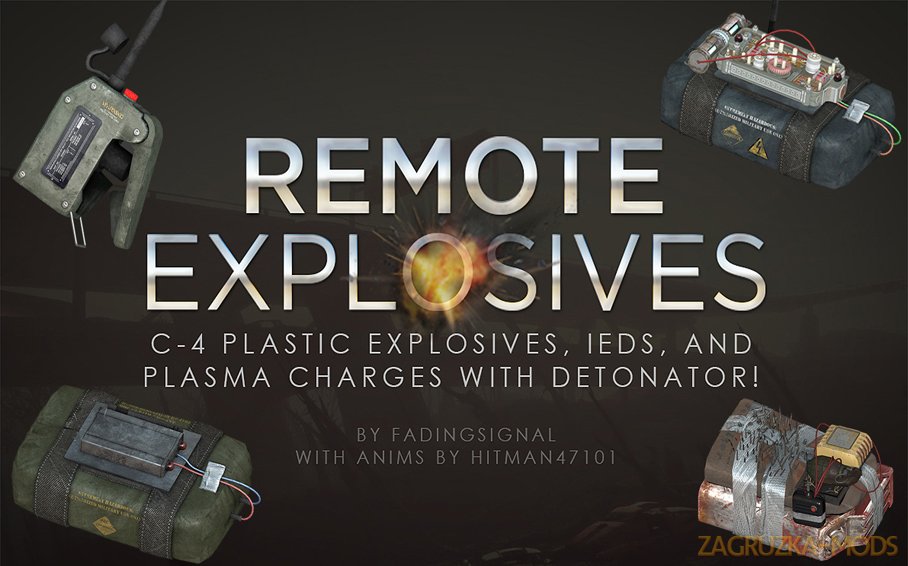
Remote Explosives adds three new explosive types with a working remote detonator, giving you you the ability to make explosives more tactical.
Place them around enemy camps, or reverse pickpocket them onto your enemies, get up high to safety, then hit the detonator to watch the fireworks.
Also includes new intense explosion sounds (with proper distance layering) for even more satisfying detonations.
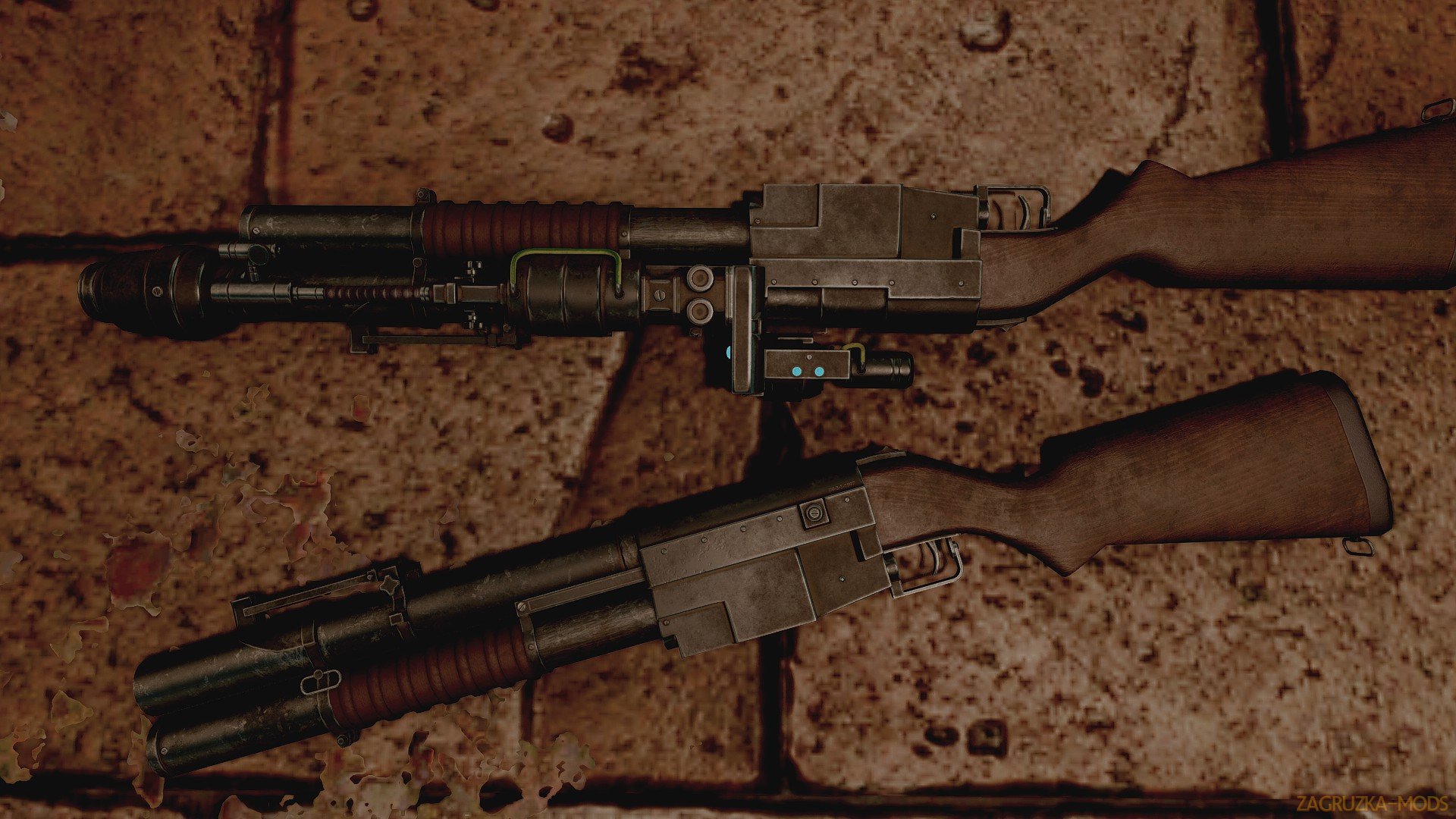
Featuring new meshes & textures by yours truly, and new animations by the awesome Hitman47101!
Explosives equip and are placed the same way mines are. The detonator equips like a pistol. Place the explosives down wherever you wish, get to safety, and trigger the detonator. All explosives in an 8,000 unit radius will detonate. KA-BOOM!
You can also reverse-pickpocket these onto NPCs and detonate them remotely. The vanilla grenade pickpocket system would not work for remote detonation, so I had to completely build my own implementation, but it feels just like it’s part of vanilla. You still need Rank 2 of the pickpocket perk, and if you don’t want NPCs who are hit with the blast to turn hostile toward you, you’ll need to level 2 of the Sneak perk as well, and detonate while HIDDEN. If you reverse-pickpocket blast an enemy NPC, a detection event at the spot of the blast is generated and put nearby enemies into alert, similar to a trap. It IS a giant, loud explosion afterall!
Please let me know if you experience issues with the reverse pick-pocketing! If you do happen to have trouble and want the C-4 to behave like vanilla mines/frags (detonate immediately) you can type set RemoteExplosive_UsePickpocket to 0 in the console.
FO4 HOTKEY USERS!! If you have the detonator in your inventory, you can assign a hotkey to detonate the explosives without having to equip the detonator! Please see the Sticky Posts in the POSTS tab for details!
Kraft and features:
NPCs don't know how to use the combo of explosive/detonator, so they can't use them. However, they are added to the loot and vendor tables. Detonators and IEDs will start being sold at level 10, and C-4 and Plasma Charges will start being sold at level 18. You can find them in chests and such where grenade loot sometimes spawn as well.
Leveled Lists are updated via script injection, so there are no list conflicts. I also provide an optional standard leveled-list plugin, for those who prefer to manually patch their leveled lists (which I personally do, more control, ability to alter them later.)
They’re a little bit expensive, since they're so powerful. Vanilla frag mines are 50 caps, IED are 70 caps, C-4 and Pulse Charges are 100 caps. The materials required to craft these are fairly close-ish to the value.
Crafting them requires the same perks for crafting mines as vanilla, but the ingredient requirements are higher. For example, the IED requires an actual Alarm Clock instead of just "Plastic". The C-4 requires a Military Grade Circuit Board instead of just "Circuitry".
If people feel like this is too difficult, altering the recipe is a snap, and I may provide an option for easier recipes.
Installation:
1. Since the author does not allow you to place this mod entirely on other sites, then you need to download the mod from the Nexus website on the author's mod page.
2. Go to the author's mod page in the MAIN FILES tab and download the archive "Remote Explosives - C4 with Detonators and More" 1.0
3. Install through NMM / MO managers or manually: the RemoteExplosives file - Main.ba2 and RemoteExplosives - Textures.ba2 and drop it into the Data folder in the game.
4. Next, we already have the downloaded file RemoteExplosives.esp and put it into the Data folder in the game and activate it.
* There are 2 options .esp:
The first option is that the explosives from the mod will be on the level list (detonators and explosive devices will be on sale and can be found in chests and where a grenade launcher sometimes appears).
The second option - explosives from the fashion will not be in the lists of levellers (only you can make detonators and explosive devices and they will not be in the game world). With this option, you can create your own "bashed patch" in the Wrye Bash utility