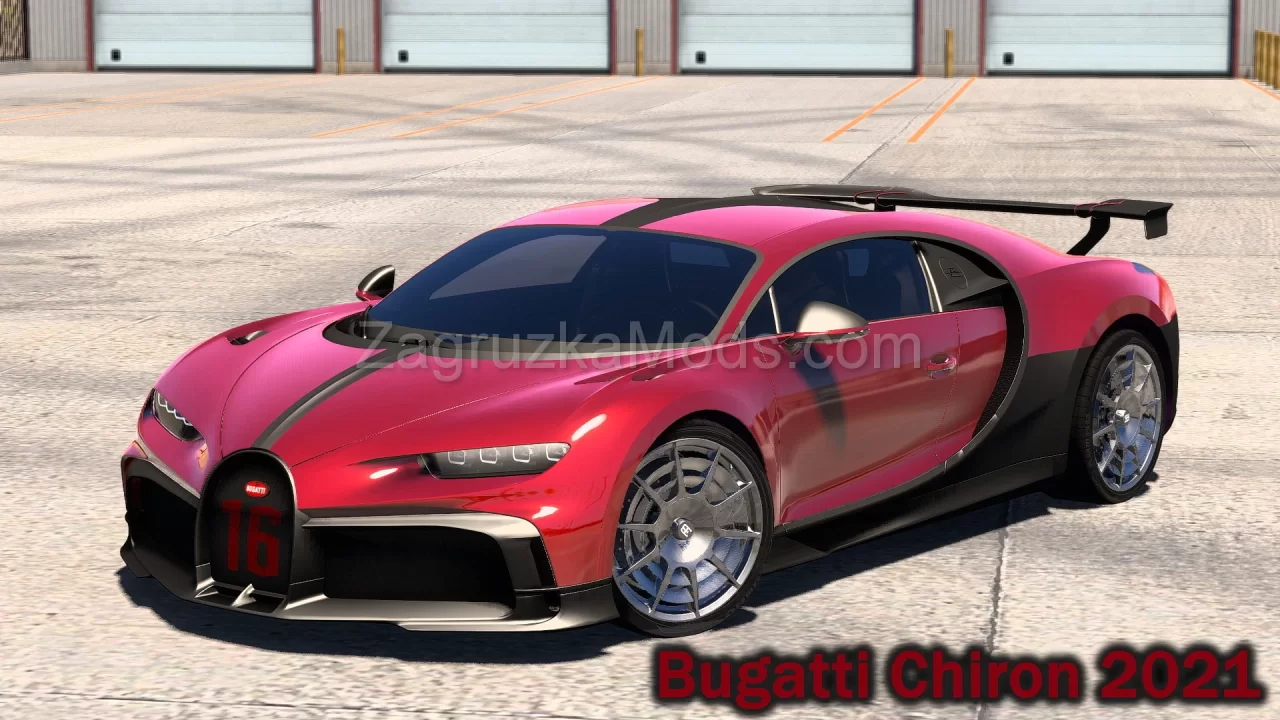
Download mod Bugatti Chiron 2017 v4.1 for GTA 5 | Grand Theft Auto V game.
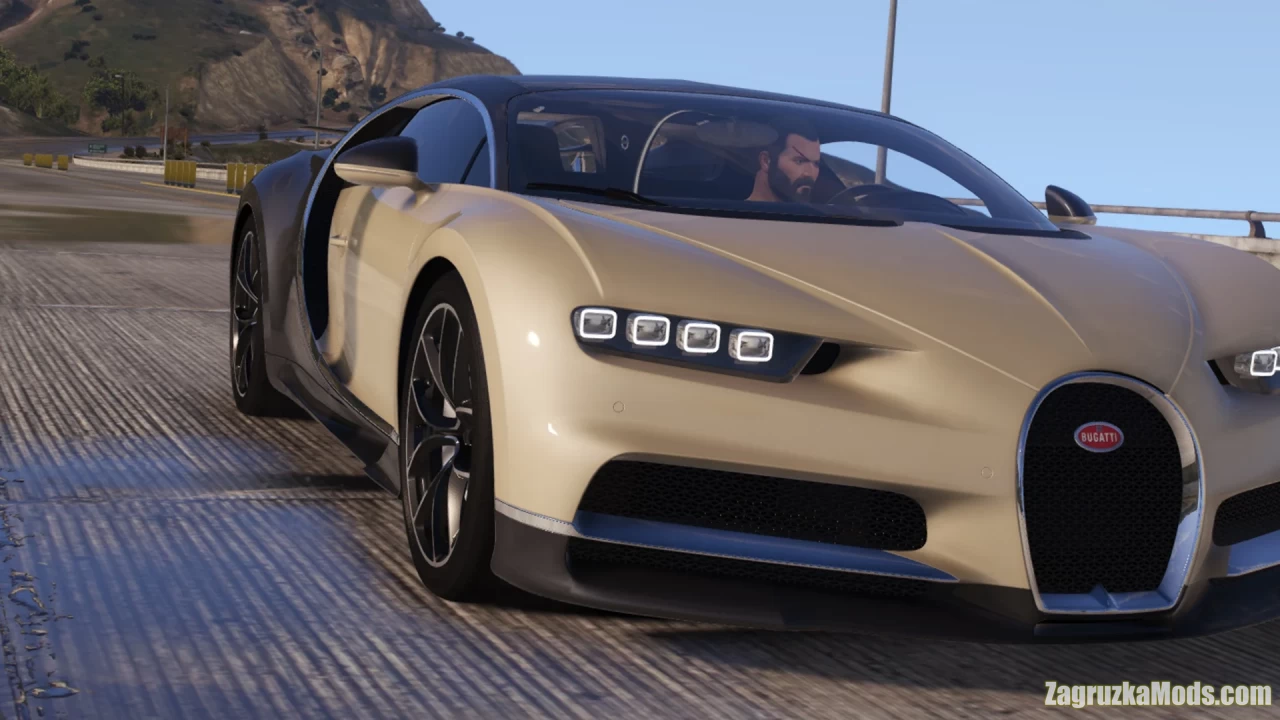
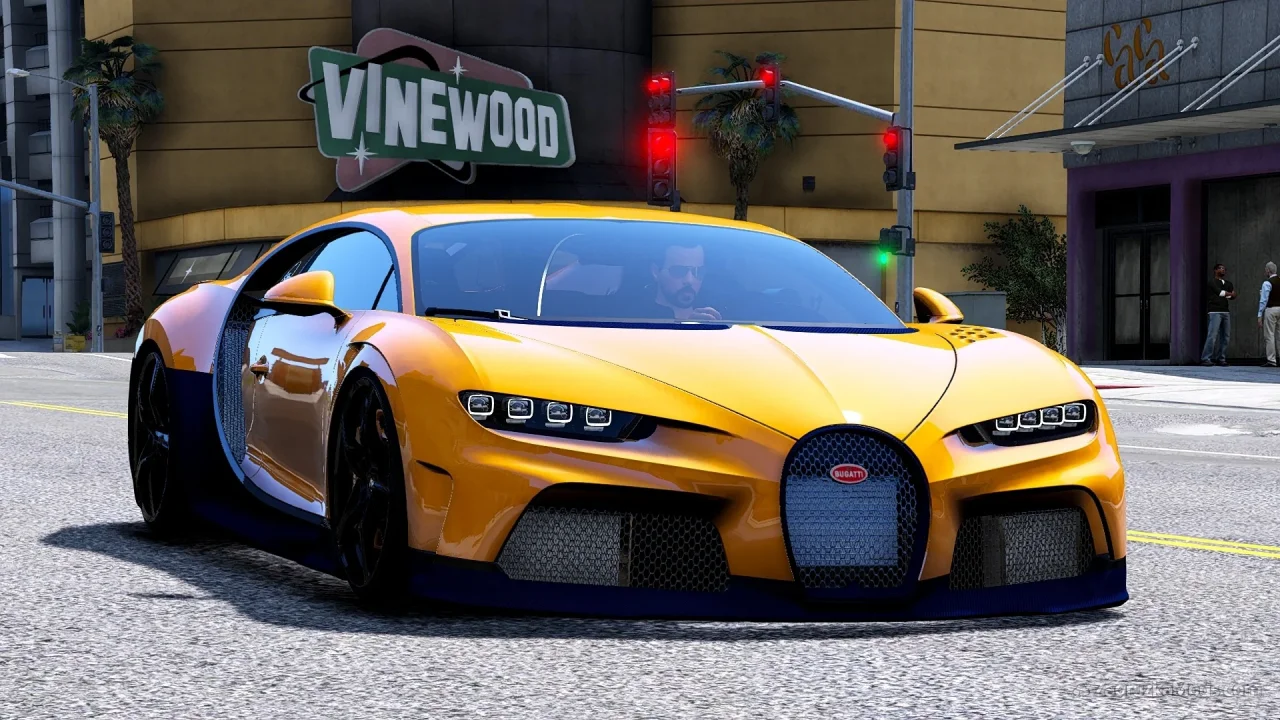
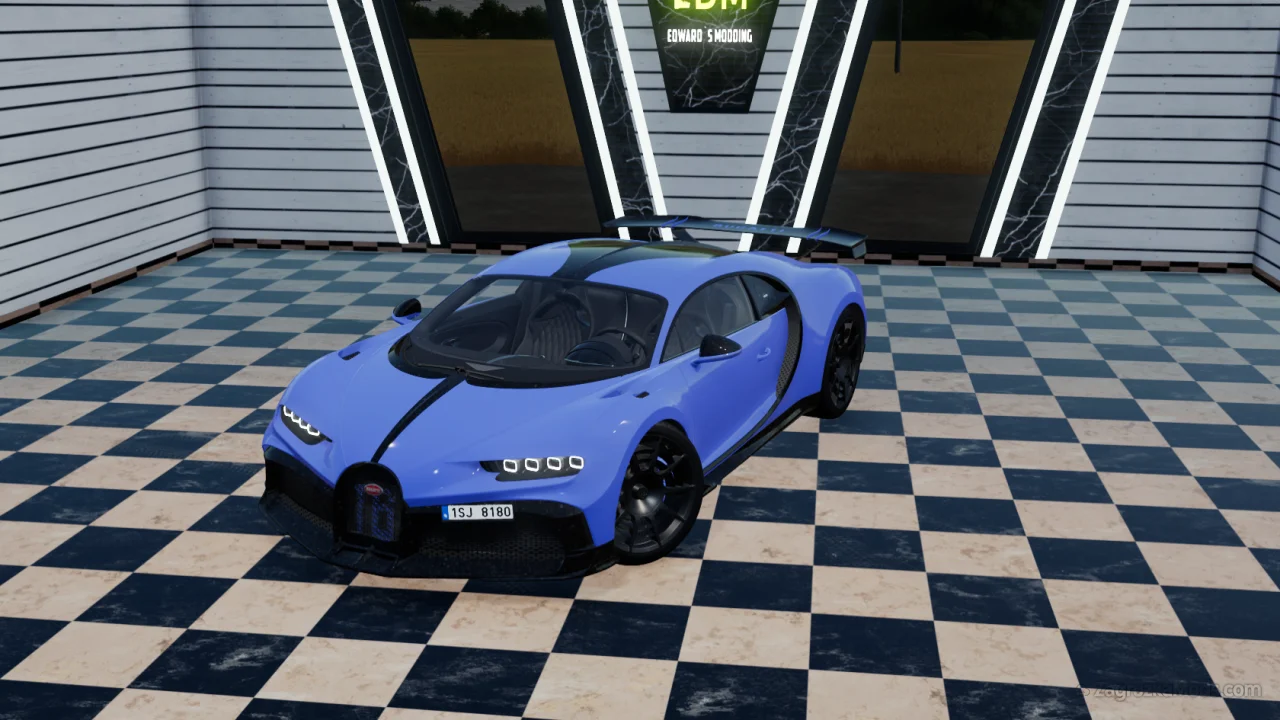
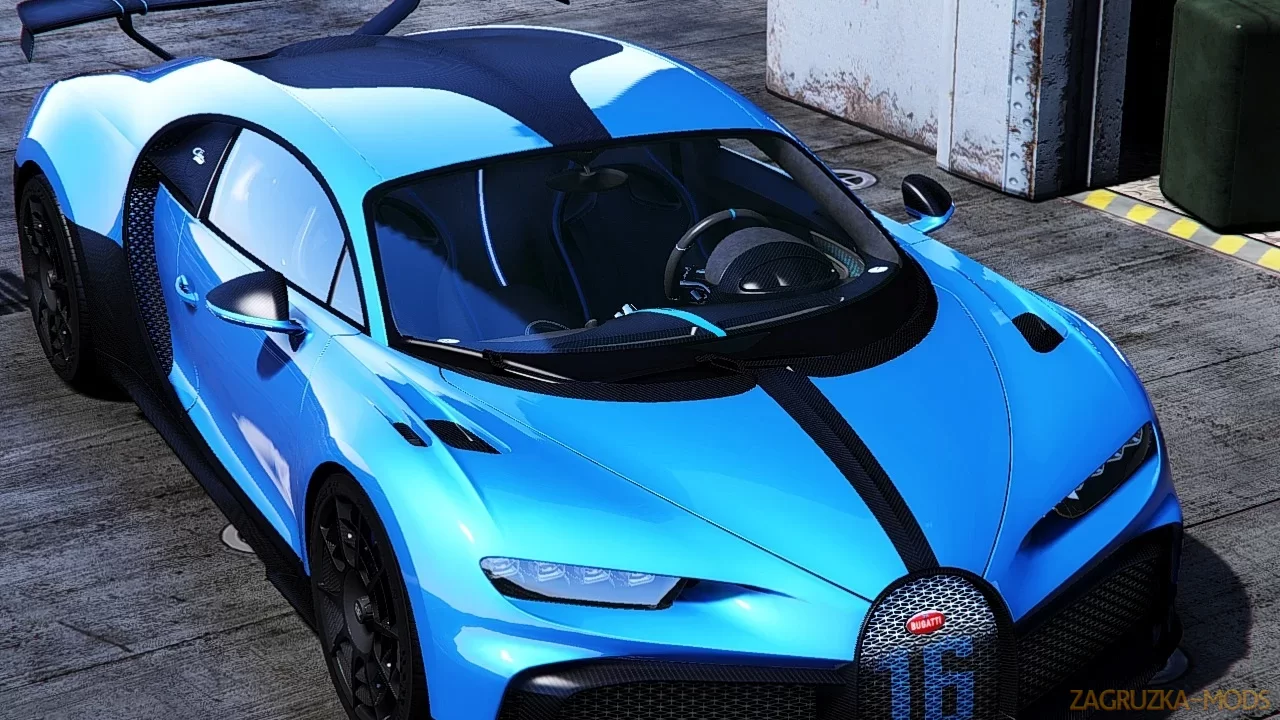
Bugatti Chiron 2017 - Incredibly cool car with very high quality textures, all normal car functions, various tuning parts, etc. This car has just appeared, and is already very popular, because this is the Bugatti Chiron. The quality of the model is for four, the car does not look bad, there is tuning, a spectacular spoiler and a body kit. The car does not have a first-person view, not at all, there is just a gray screen and an inscription that the first-person view will be later. With maximum tuning, the car accelerates to only 330 km / h, which is not very plausible. The headlights, or rather the light from the headlights, is not very realistic, from somewhere inside.
Features Bugatti Chiron 2017:
- All normal cars' functions
- HQ interior / exterior
- HQ doors sills & frames / hoodliner / trunkliner
- HQ rims & 3D tires
- 3D engine & undercarriage
- Breakable glass with crack textures
- Correct window tint
- Correct body size
- Fully working analog-digital dials (Everything works)
- Working auto-spoiler
- Accurate exterior & interior lights
- Real chrome & aluminum parts
- Doors, hood and trunk open correctly
- HQ mirrors reflection
- Accurate hands on steering wheel
- Interior lights (On / Off)
- Realistic handling & top speed
- GTA 5 license plates
- Animated exhausts & engine
- Works fine with FiveM servers
- HQ interior / exterior
- HQ doors sills & frames / hoodliner / trunkliner
- HQ rims & 3D tires
- 3D engine & undercarriage
- Breakable glass with crack textures
- Correct window tint
- Correct body size
- Fully working analog-digital dials (Everything works)
- Working auto-spoiler
- Accurate exterior & interior lights
- Real chrome & aluminum parts
- Doors, hood and trunk open correctly
- HQ mirrors reflection
- Accurate hands on steering wheel
- Interior lights (On / Off)
- Realistic handling & top speed
- GTA 5 license plates
- Animated exhausts & engine
- Works fine with FiveM servers
Changes in v4.1:
- Added new better handling data
- Fixed some textures
- Fixed the mapping of some parts
- Fixed some textures
- Fixed the mapping of some parts

Tested on game version v1.47+