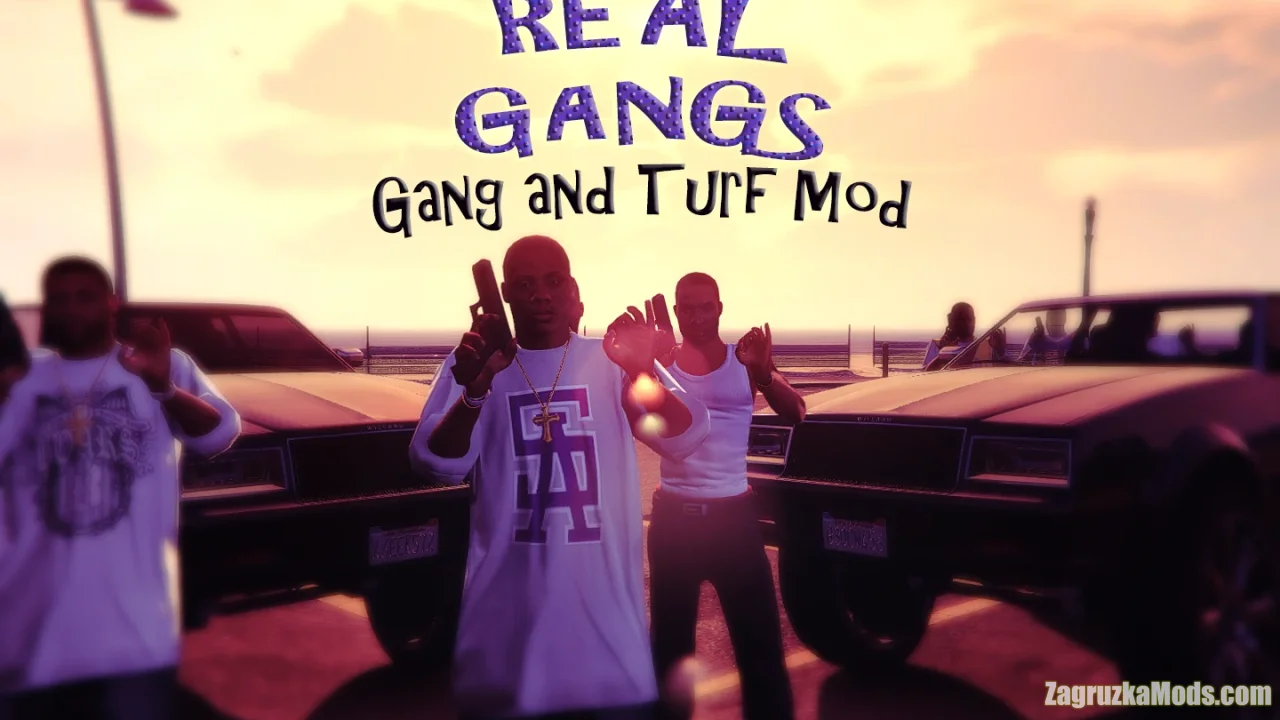
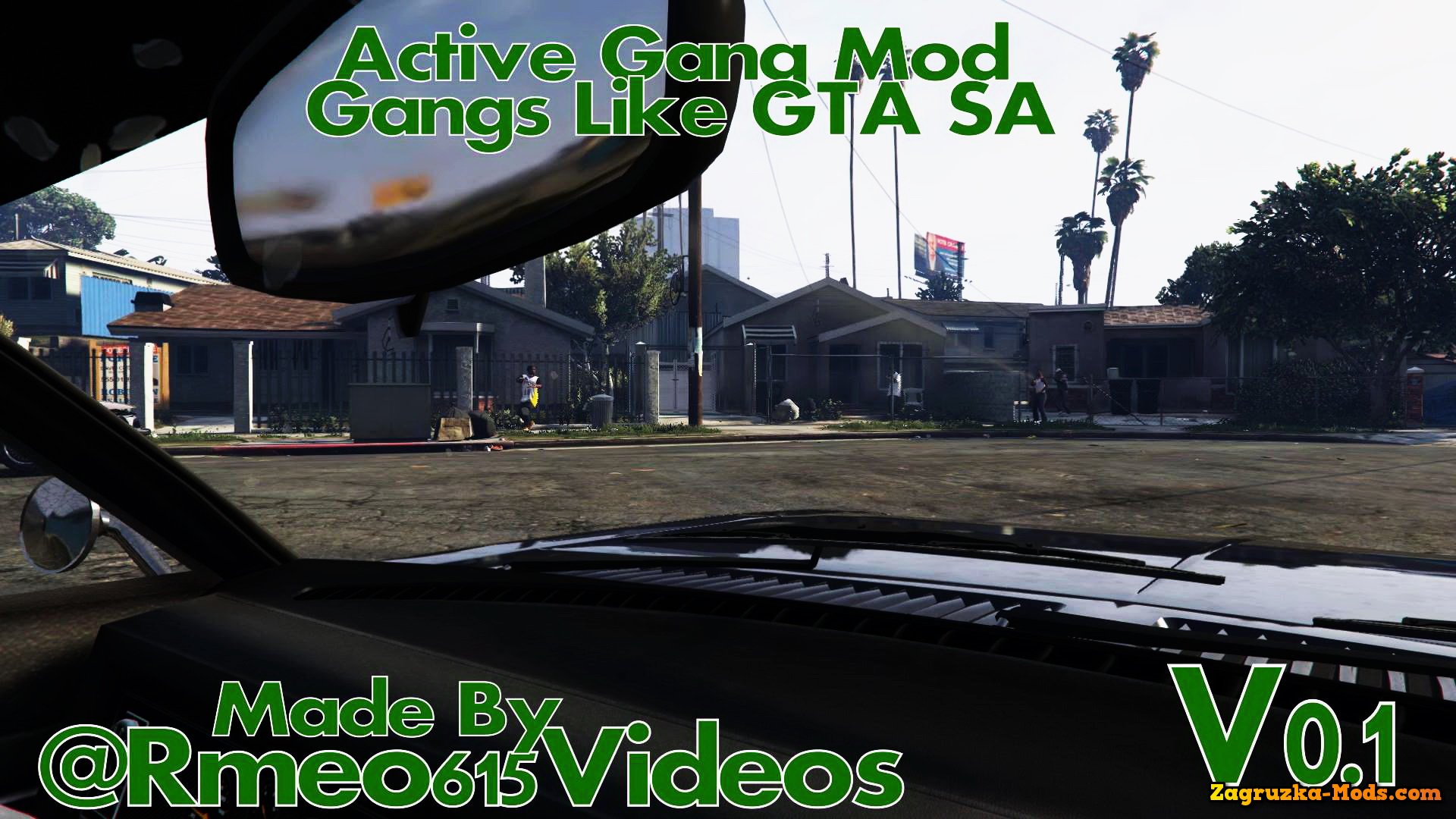
Gang and Turf GTA 5 - this mod tries to create a gang and turf system similar to that of Gta San Andreas. With it, you are able to control a gang with a name and members of your choice, take over territories of San Andreas and fight against other gangs for the control of those territories. Control of zones of the world provides constant income. The mod provides players with the ability to recruit AI-controlled gang members, establish their own gang, and expand their influence throughout the game map. Players can recruit members from various locations, train them, and assign them specific roles within the gang, such as enforcers, shooters, or drivers. Each gang member contributes to the overall strength and capabilities of the player's gang.
- Gang Management: In the Gang and Turf Mod, players have the ability to recruit gang members, assign them different roles, and manage their behavior and activities.
- Turf Wars: Players can fight for control of different territories within the game world, engaging in turf wars with rival gangs to expand their influence and power.
- Gang Upgrades: Players can invest in upgrading their gang's weapons, vehicles, and other resources to strengthen their gang and improve their chances of success in turf wars.
- Gang Activities: Players can carry out various activities within their gang, such as drug trafficking, robbery, and other criminal acts to earn money and increase their gang's influence.
- Customization: Players can customize their gang's appearance, including their clothing, vehicles, and even their hideout to reflect their own style and preferences.
- Multiplayer Support: The Gang and Turf Mod features multiplayer support, allowing players to team up with friends and engage in turf wars and other activities together.
- Realistic Gang Behavior: The mod aims to provide a realistic representation of gang behavior, including rivalries, alliances, and other dynamics that players must navigate to succeed in the game.
Changes in v2.1:
- Now using scripthookvdotnet nightly! This means new weapons have been added. Reset your weapons list to see them (there's an option in the B menu, mod options submenu)
- Added editing of other gangs via the B menu (delete/create gangs, edit their weapons and colors, change the player gang to another existing gang)
- Add "soft" per-gang vehicle limits
- Tweaked destinations in zero-CP wars (attempt at making the sides push in opposite directions)
- Only allow human members to do idle anims
- Fix no war spawns if one side has no registered members/vehicles
- Some driver AI tweaks
- Added editing of other gangs via the B menu (delete/create gangs, edit their weapons and colors, change the player gang to another existing gang)
- Add "soft" per-gang vehicle limits
- Tweaked destinations in zero-CP wars (attempt at making the sides push in opposite directions)
- Only allow human members to do idle anims
- Fix no war spawns if one side has no registered members/vehicles
- Some driver AI tweaks

Tested in game version v1.60+