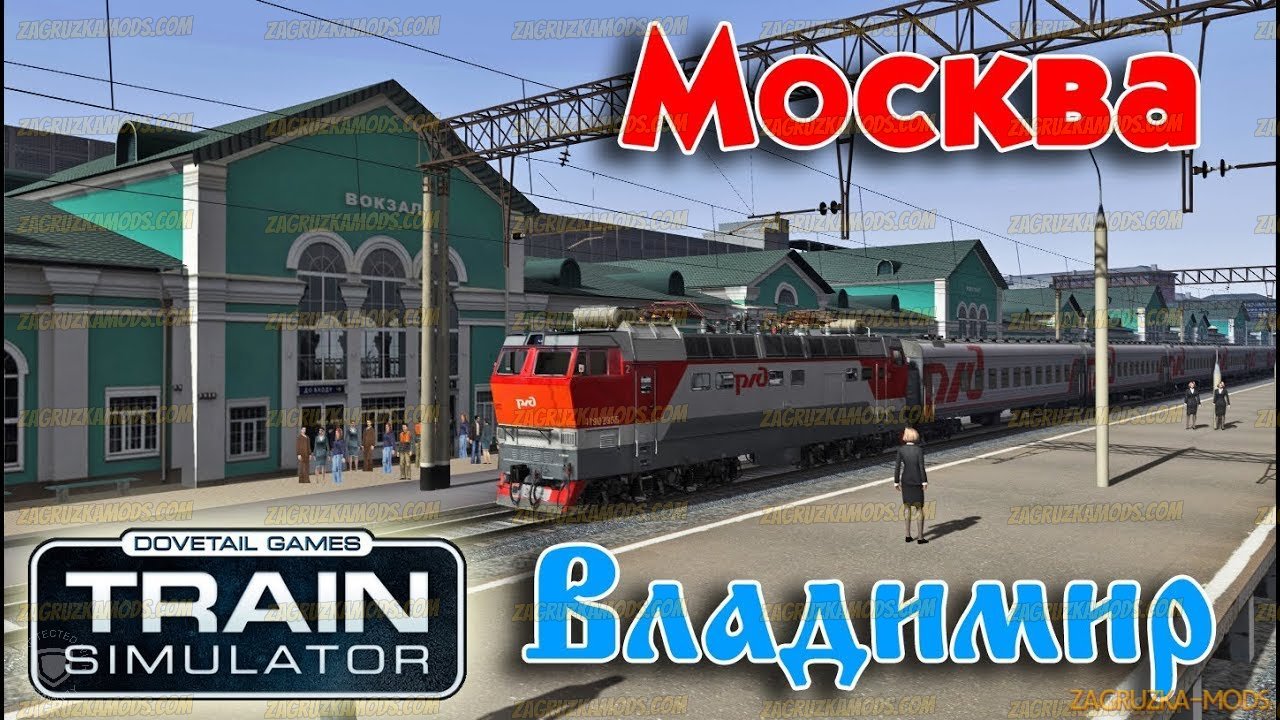
Download modRoute Moscow - Vladimir (Москва-Владимир) v2.0 for TS 2018 | Train Simulator 2018 game.
The Route Moscow - Vladimir (Москва-Владимир) have 190 km in length, is assembled exclusively on Google maps using a real terrain profile, but without the use of various technical documentation, except for the development of track facilities of stations (sometimes it was necessary to watch, because it is not always clear what and how on the map ), the contact network is assembled according to a simplified version, the alarm system is located with overestimated distances between traffic lights, the speed over distances and stations is overestimated, all the rash content that is on this particular mome nt time with dilution of German, English and French materials, as a result of which this card can be considered a highly conditional real
Changes in v2.0:
- fixed bugs from previous version
- other small changes
Install:
How to set the fashion in the Train Simulator: for RailWorks add-ons are installed using the built-in Utilites Add-ons Manager, located in the root folder of the game.
Press the large Install button (SET) which is to the right, and specify a location or rpk rwp-archive.
If the file is not packed in such a file, then copy the Assets folder to the root of the game and confirm the replacement.
How to set the fashion in the Train Simulator: for RailWorks add-ons are installed using the built-in Utilites Add-ons Manager, located in the root folder of the game.
Press the large Install button (SET) which is to the right, and specify a location or rpk rwp-archive.
If the file is not packed in such a file, then copy the Assets folder to the root of the game and confirm the replacement.
Other files necessary to download:
- For work it is necessary to download THIS pack of objects.
- Who does not have enough objects, install THIS (copy the contents of the Kuju folder to the Assets folder)
- Who does not have enough objects, install THIS (copy the contents of the Kuju folder to the Assets folder)
Run the Assets.zip file. After unarchiving, move the Assets pack to the root of the game
put the old flora from the radio master if it lays
Who dropped the bridges, shifted traffic lights and other collisions download open archive and deliver with replacement
Tested on game version v60.4c